Skip to content

Screenshots ​

Explore the ExcaliDash workspace, editor, and real-time collaboration. Select any screenshot to open the full-size image.

Try toggling dark mode on this page!!

Drawing dashboard ​

Browse your drawings as visual cards, search your workspace, and organize drawings into collections.
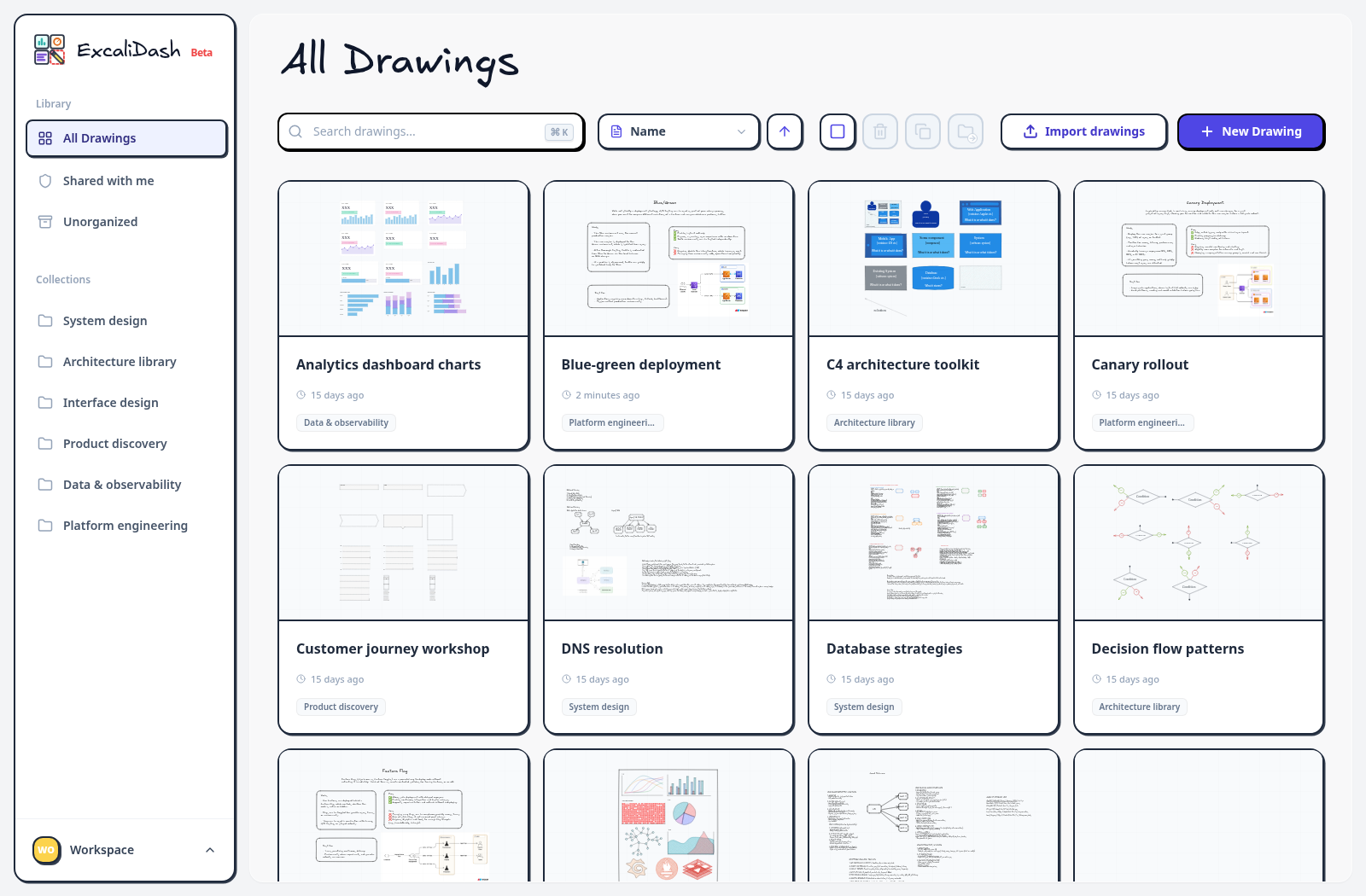
Drawing dashboard — Browse your drawings as visual cards, search your workspace, and organize drawings into collections.Drawing dashboard — Browse your drawings as visual cards, search your workspace, and organize drawings into collections.

Platform engineering collection ​

Keep deployment diagrams together in a collection.
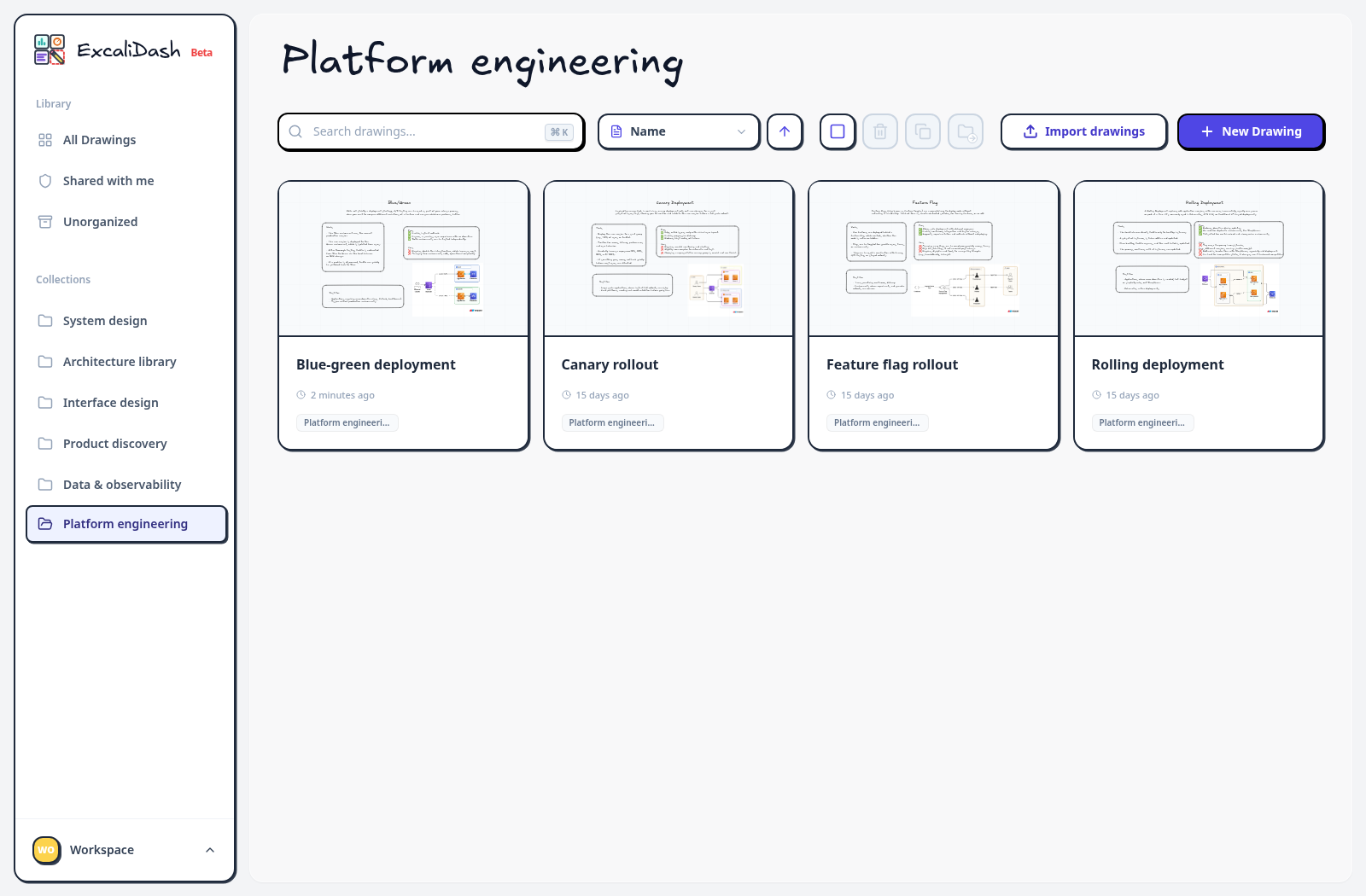
Platform engineering collection — Keep deployment diagrams together in a collection.Platform engineering collection — Keep deployment diagrams together in a collection.

Interface design collection ​

Group wireframes and reusable interface patterns in one workspace.
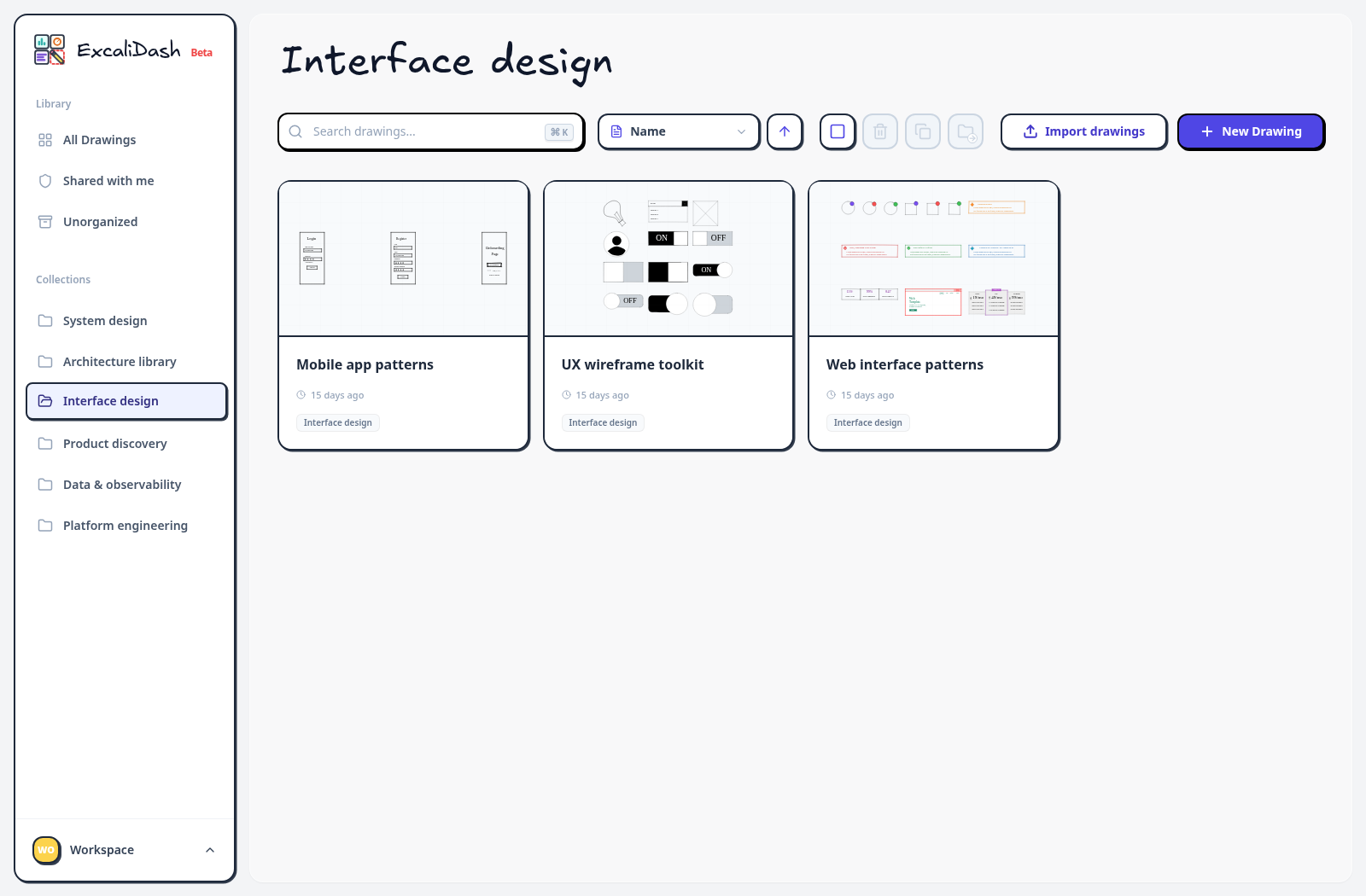
Interface design collection — Group wireframes and reusable interface patterns in one workspace.Interface design collection — Group wireframes and reusable interface patterns in one workspace.

Data and observability collection ​

Browse pipeline diagrams, dashboards, and observability sketches.
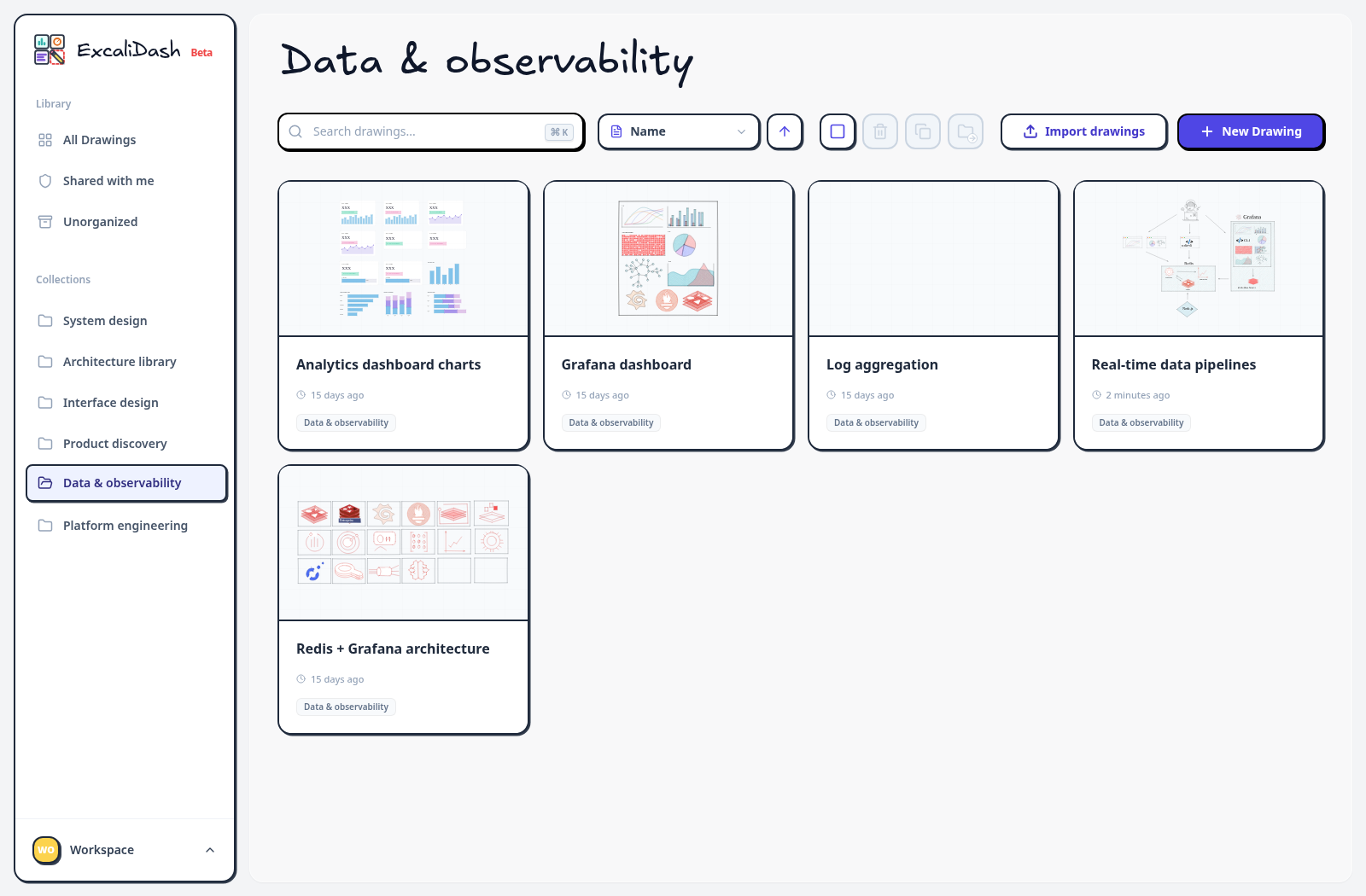
Data and observability collection — Browse pipeline diagrams, dashboards, and observability sketches.Data and observability collection — Browse pipeline diagrams, dashboards, and observability sketches.

Deployment diagram editor ​

Open a drawing in the Excalidraw editor to work on a deployment diagram.
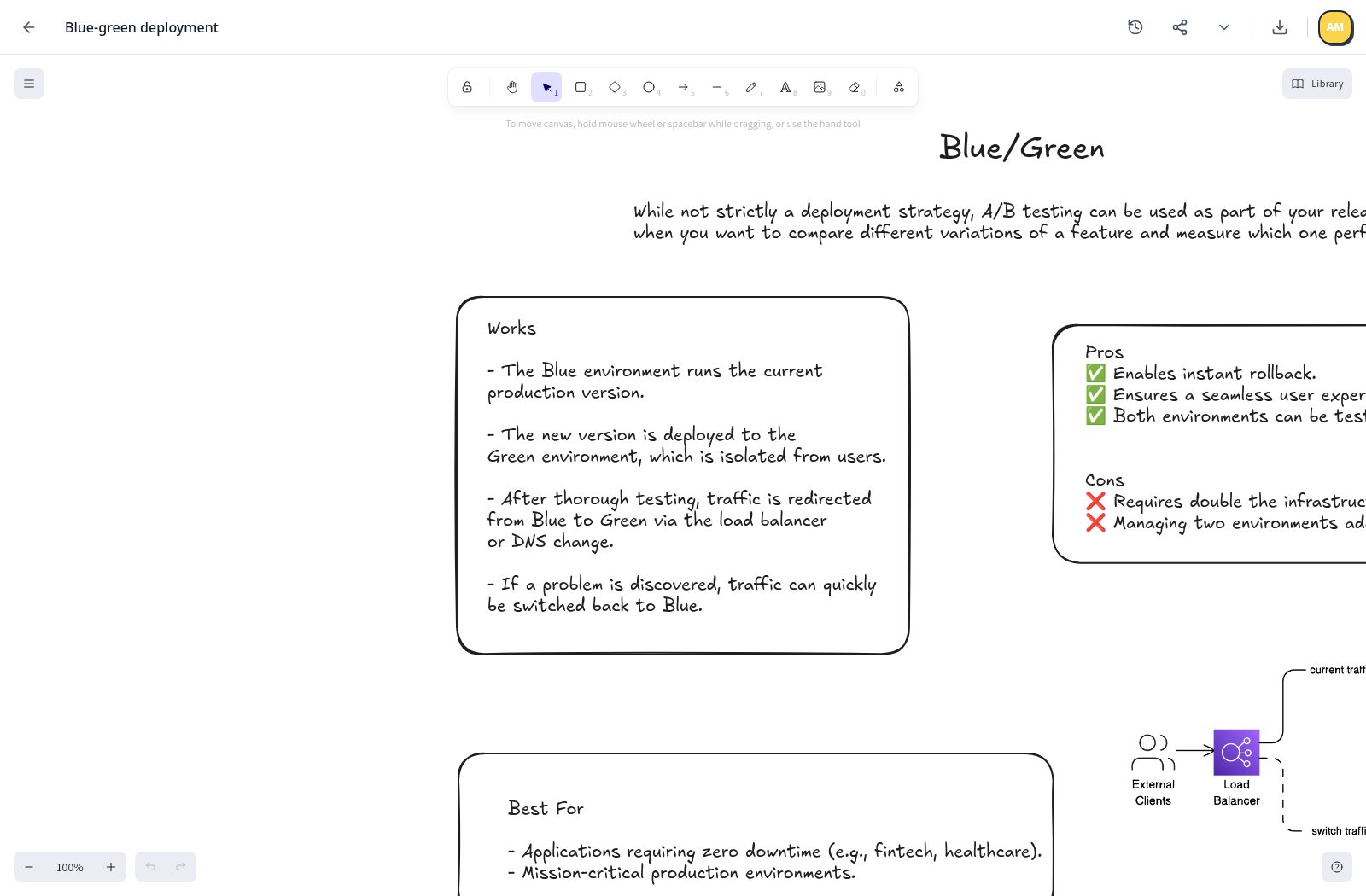
Deployment diagram editor — Open a drawing in the Excalidraw editor to work on a deployment diagram.Deployment diagram editor — Open a drawing in the Excalidraw editor to work on a deployment diagram.

Pipeline diagram editor ​

Use the canvas for detailed architecture and data-flow diagrams.
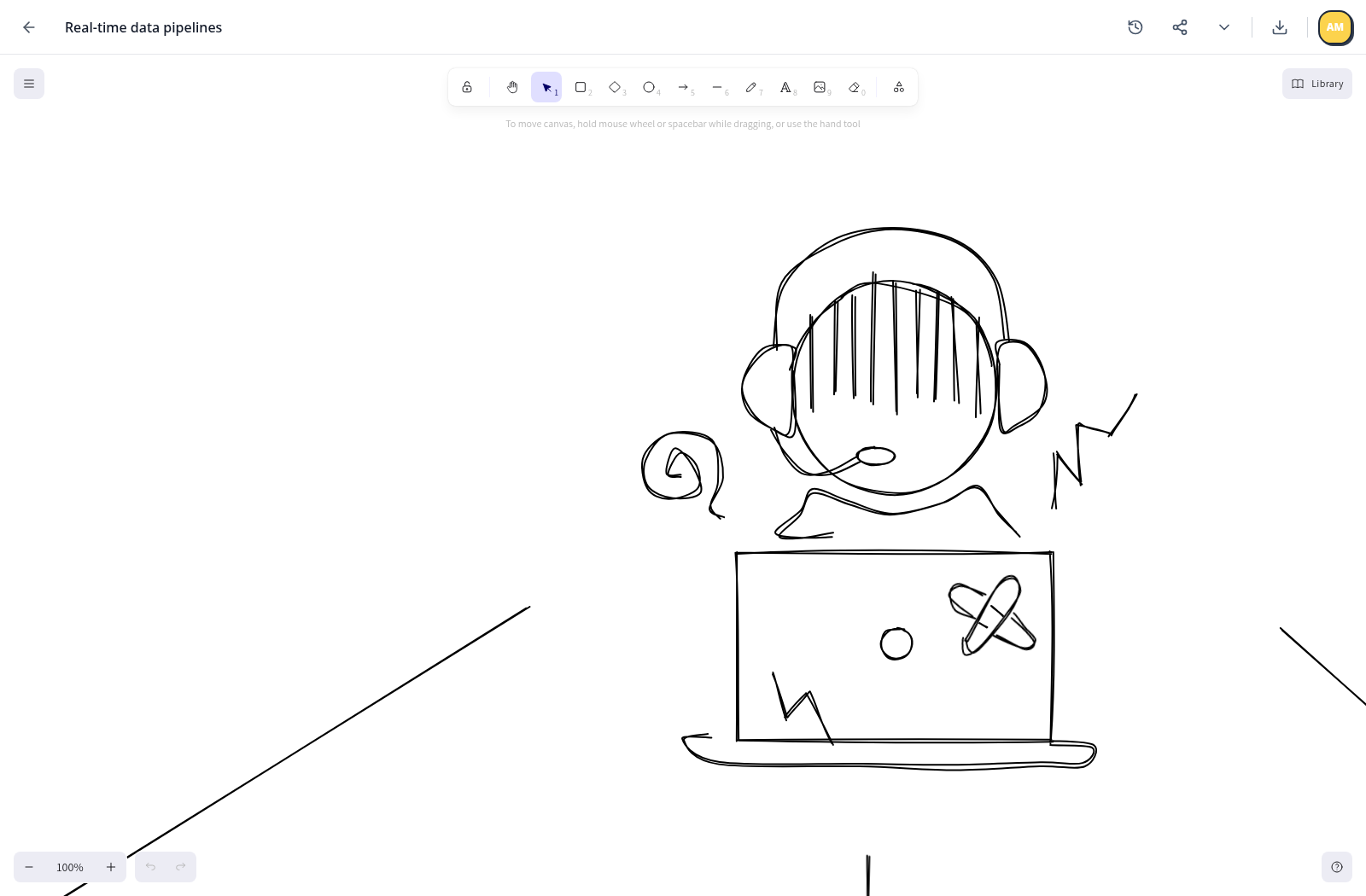
Pipeline diagram editor — Use the canvas for detailed architecture and data-flow diagrams.Pipeline diagram editor — Use the canvas for detailed architecture and data-flow diagrams.

Tablet workspace ​

Browse drawing cards and collections on a tablet-sized screen.
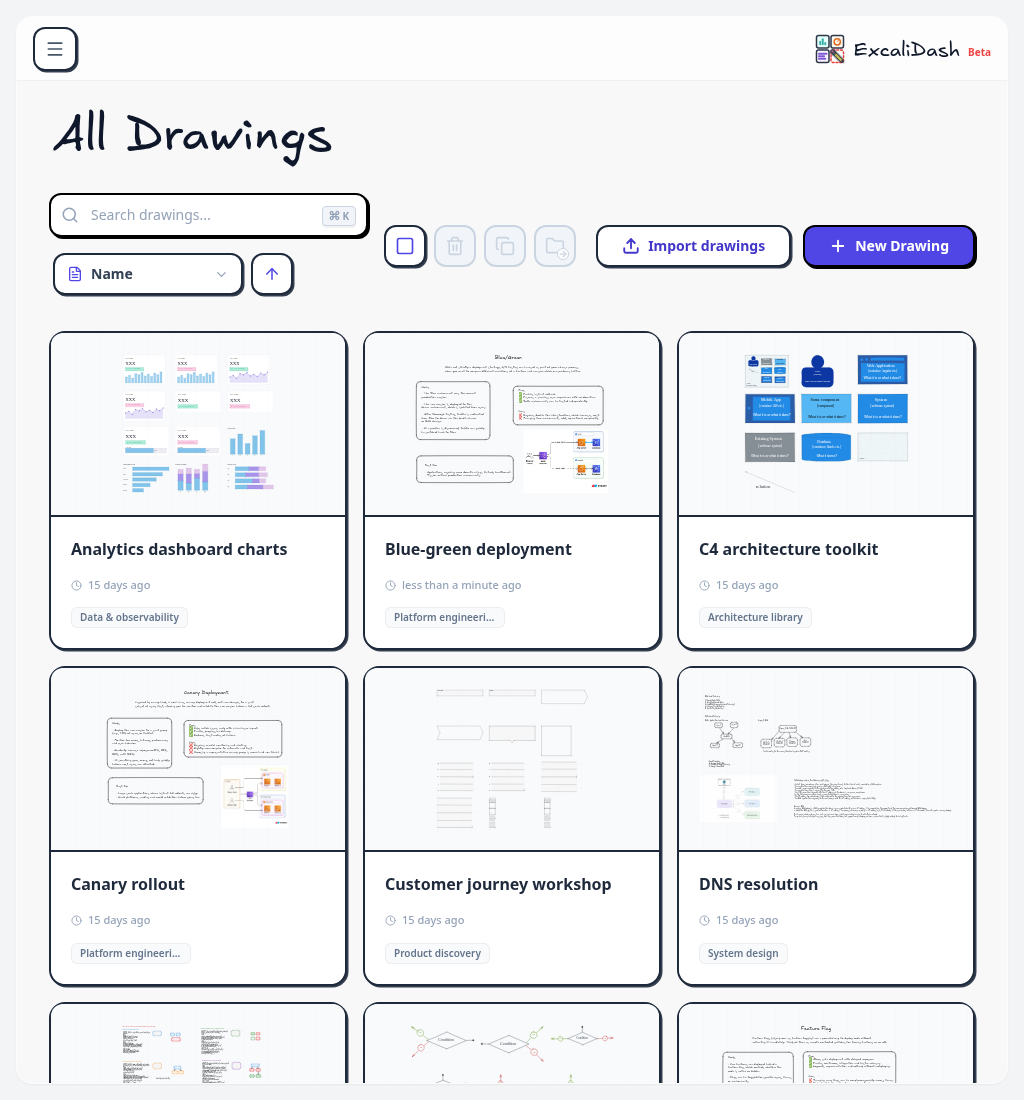
Tablet workspace — Browse drawing cards and collections on a tablet-sized screen.Tablet workspace — Browse drawing cards and collections on a tablet-sized screen.

Mobile workspace ​

Access the drawing dashboard on a narrow mobile screen.
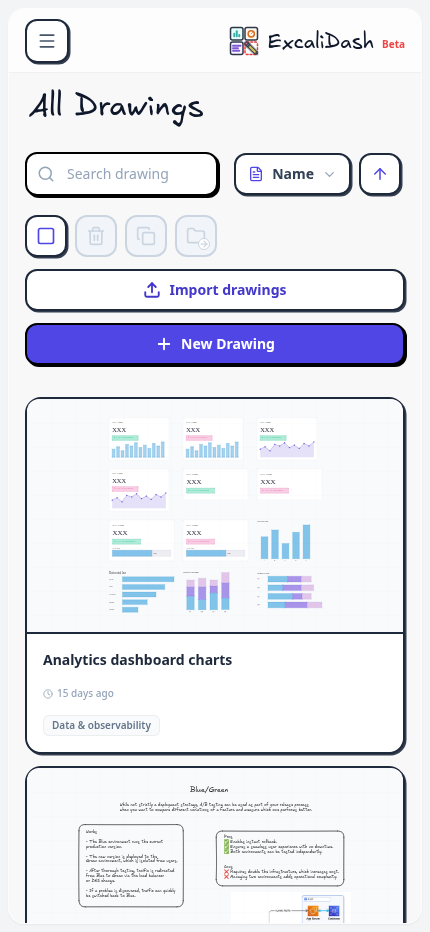
Mobile workspace — Access the drawing dashboard on a narrow mobile screen.Mobile workspace — Access the drawing dashboard on a narrow mobile screen.

Live deployment review ​

Review a deployment diagram together with named cursors and collaborator presence.
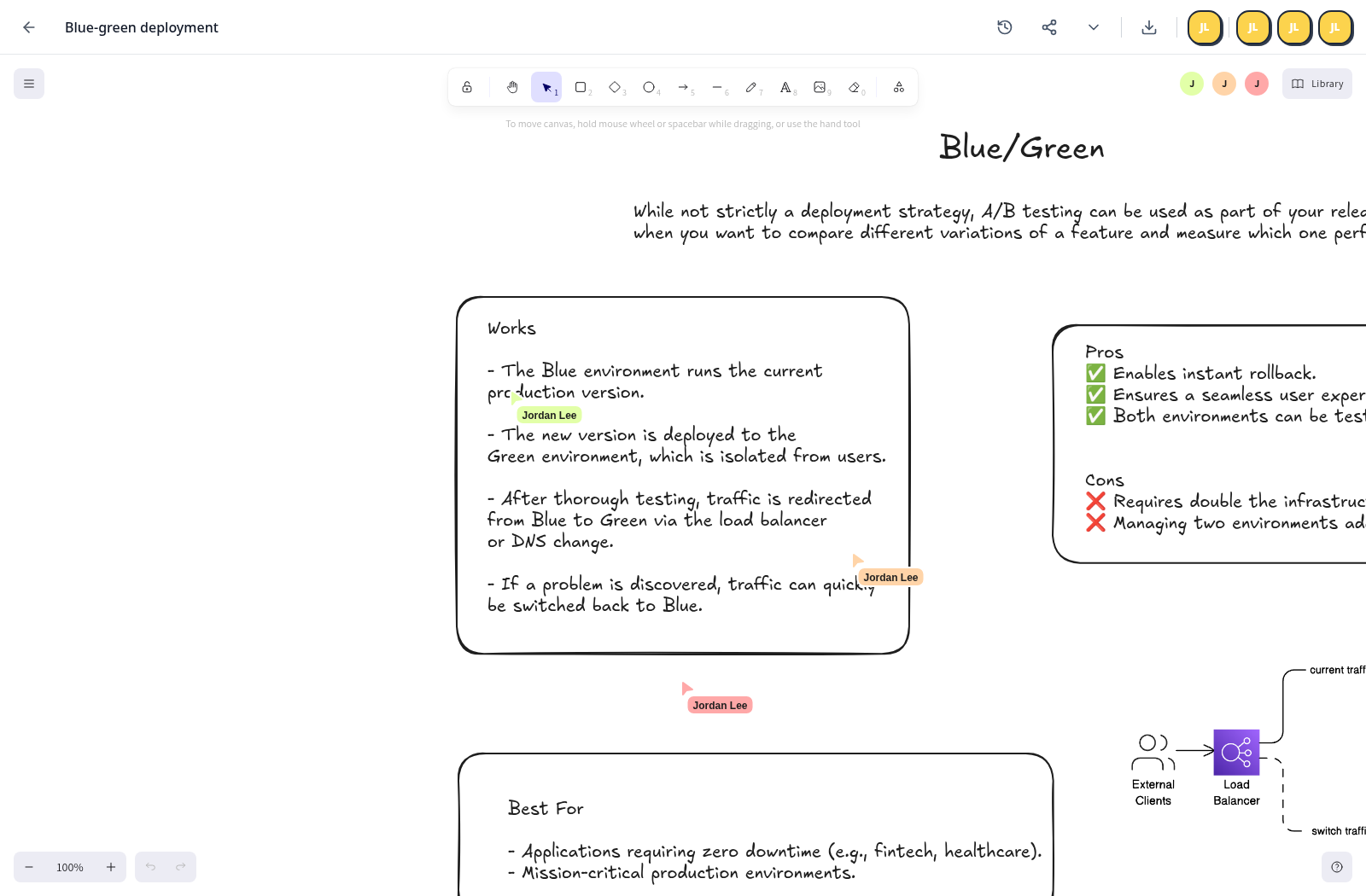
Live deployment review — Review a deployment diagram together with named cursors and collaborator presence.Live deployment review — Review a deployment diagram together with named cursors and collaborator presence.

Live pipeline workshop ​

Collaborate on a larger pipeline diagram with multiple people in the editor.
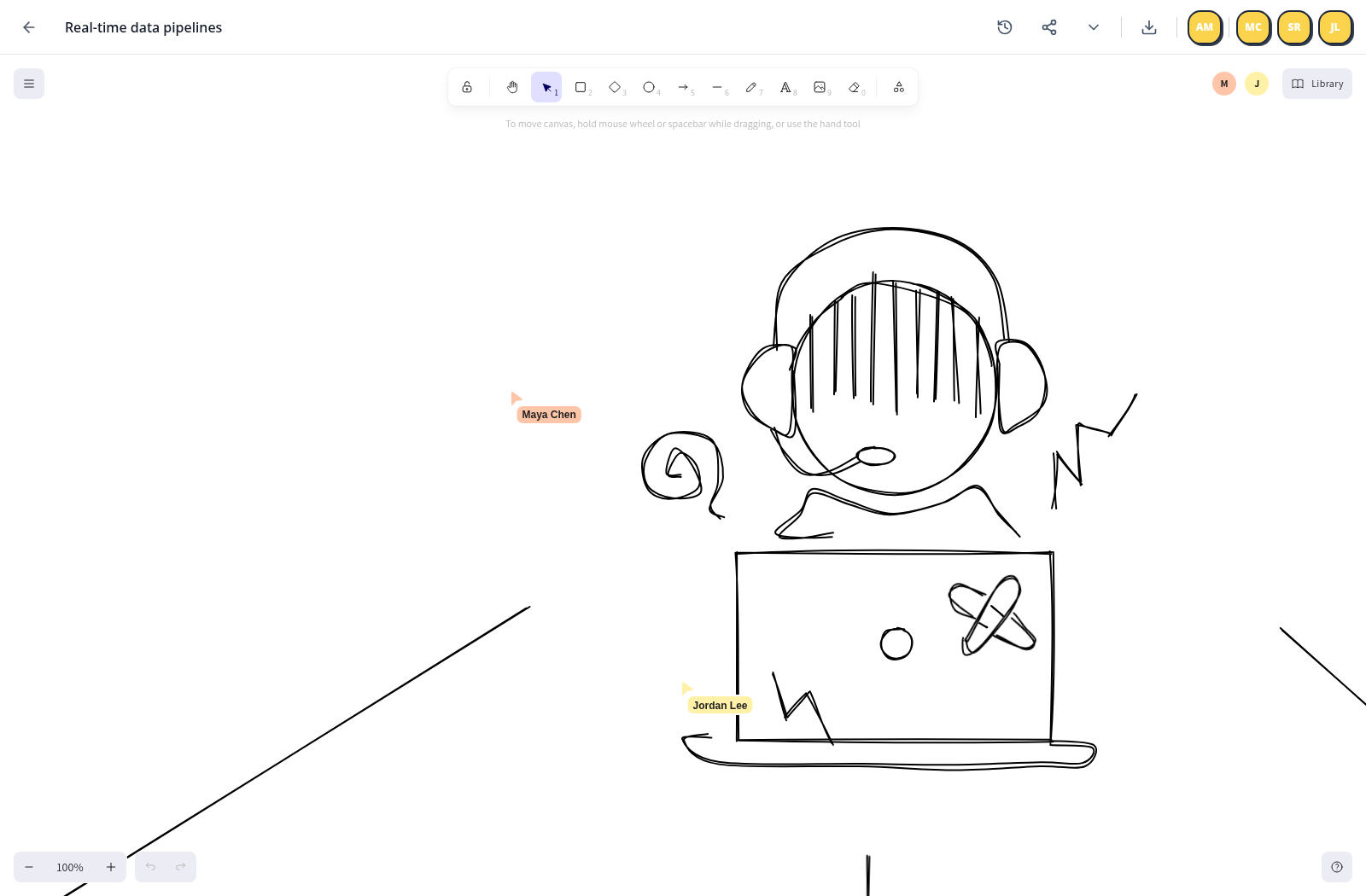
Live pipeline workshop — Collaborate on a larger pipeline diagram with multiple people in the editor.Live pipeline workshop — Collaborate on a larger pipeline diagram with multiple people in the editor.

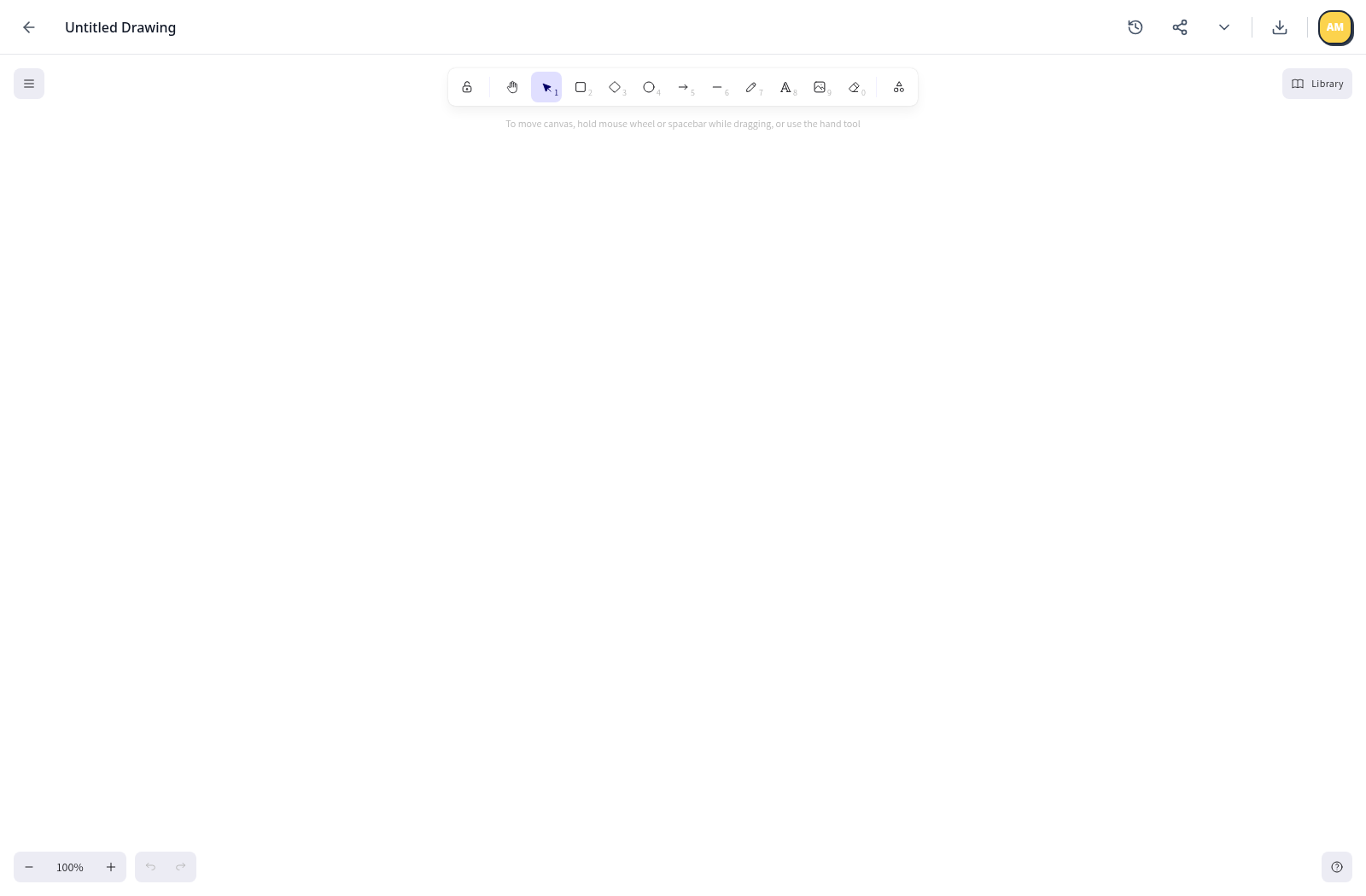
Fresh instance setup ​

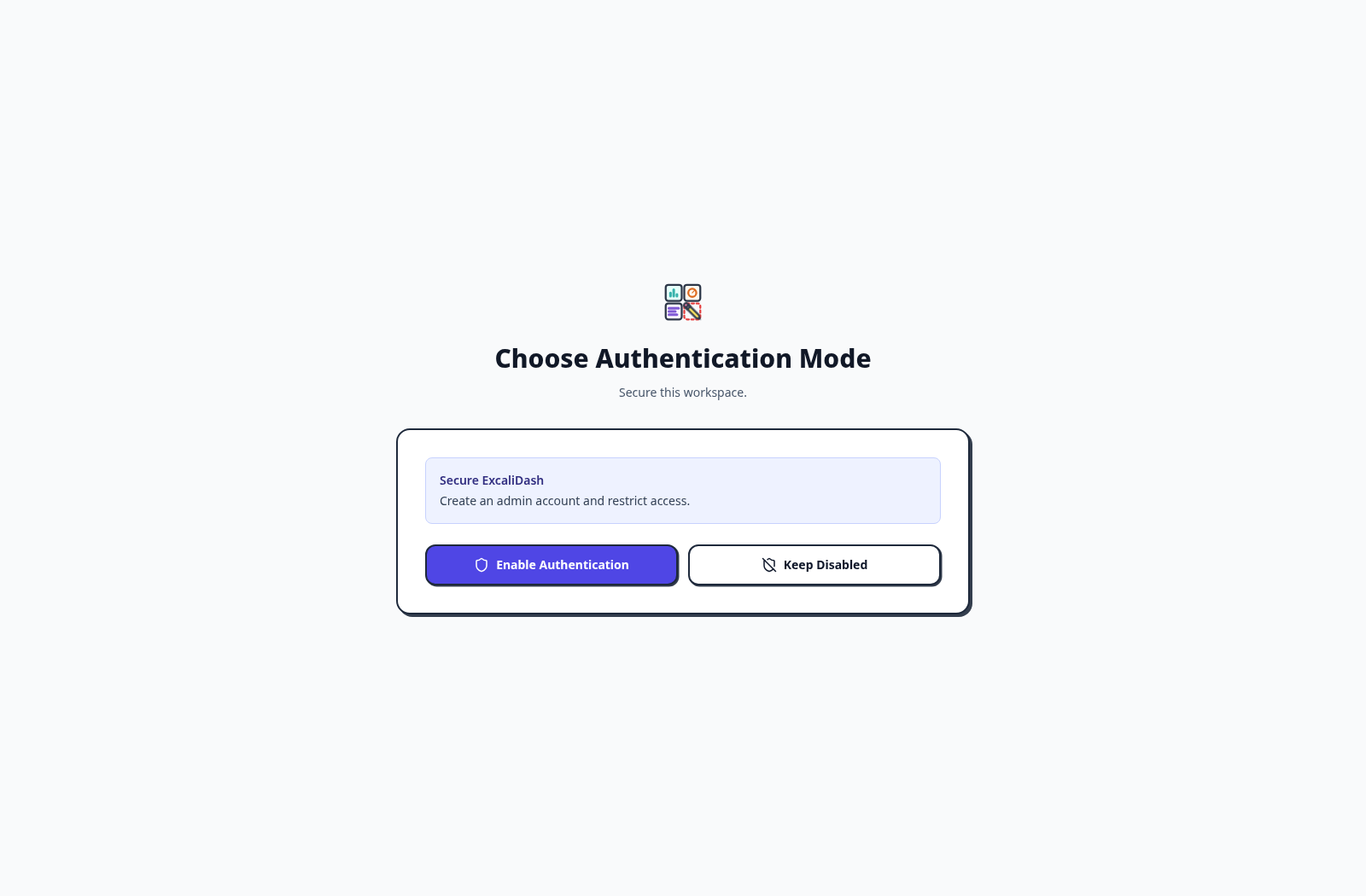
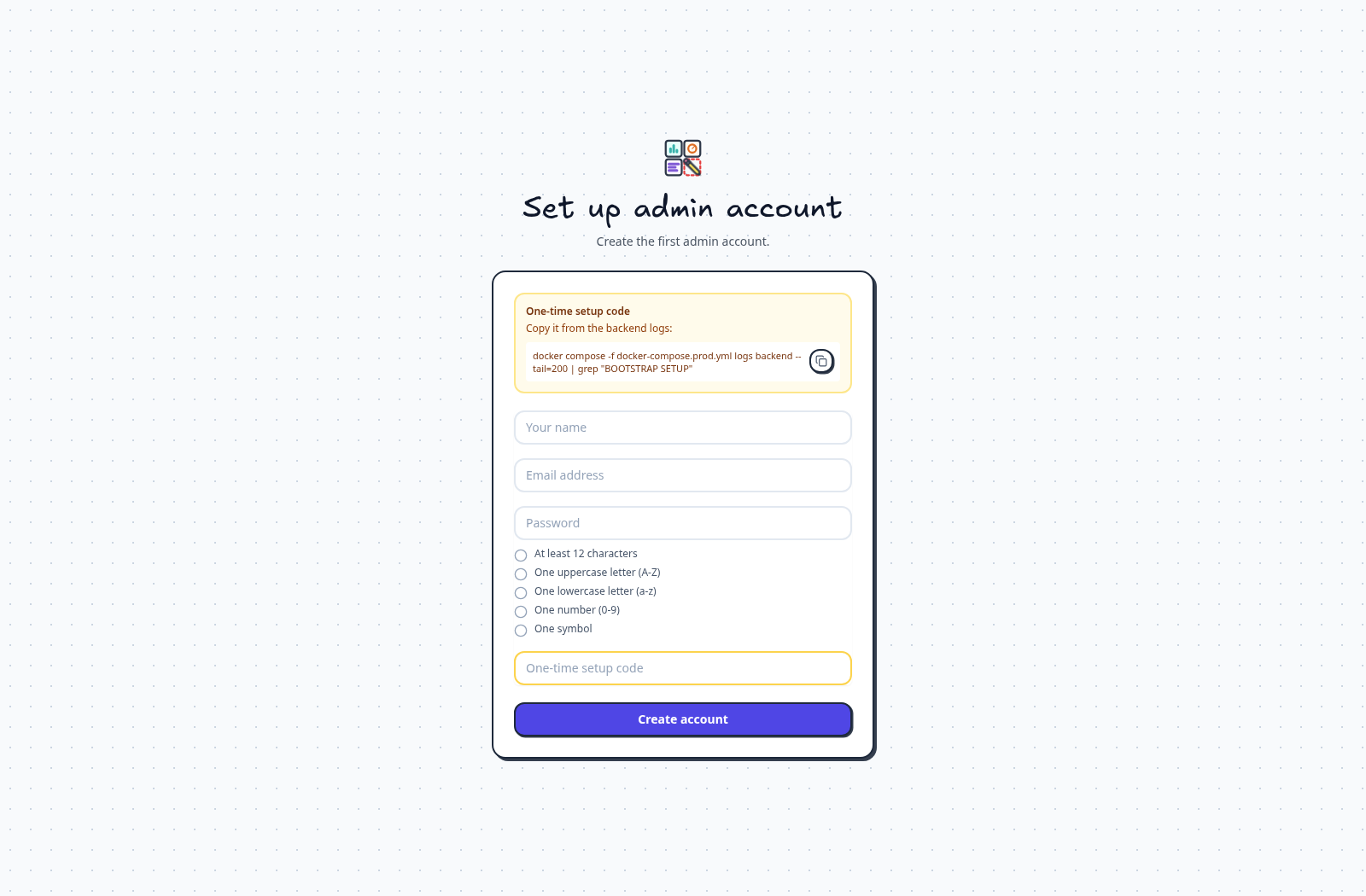
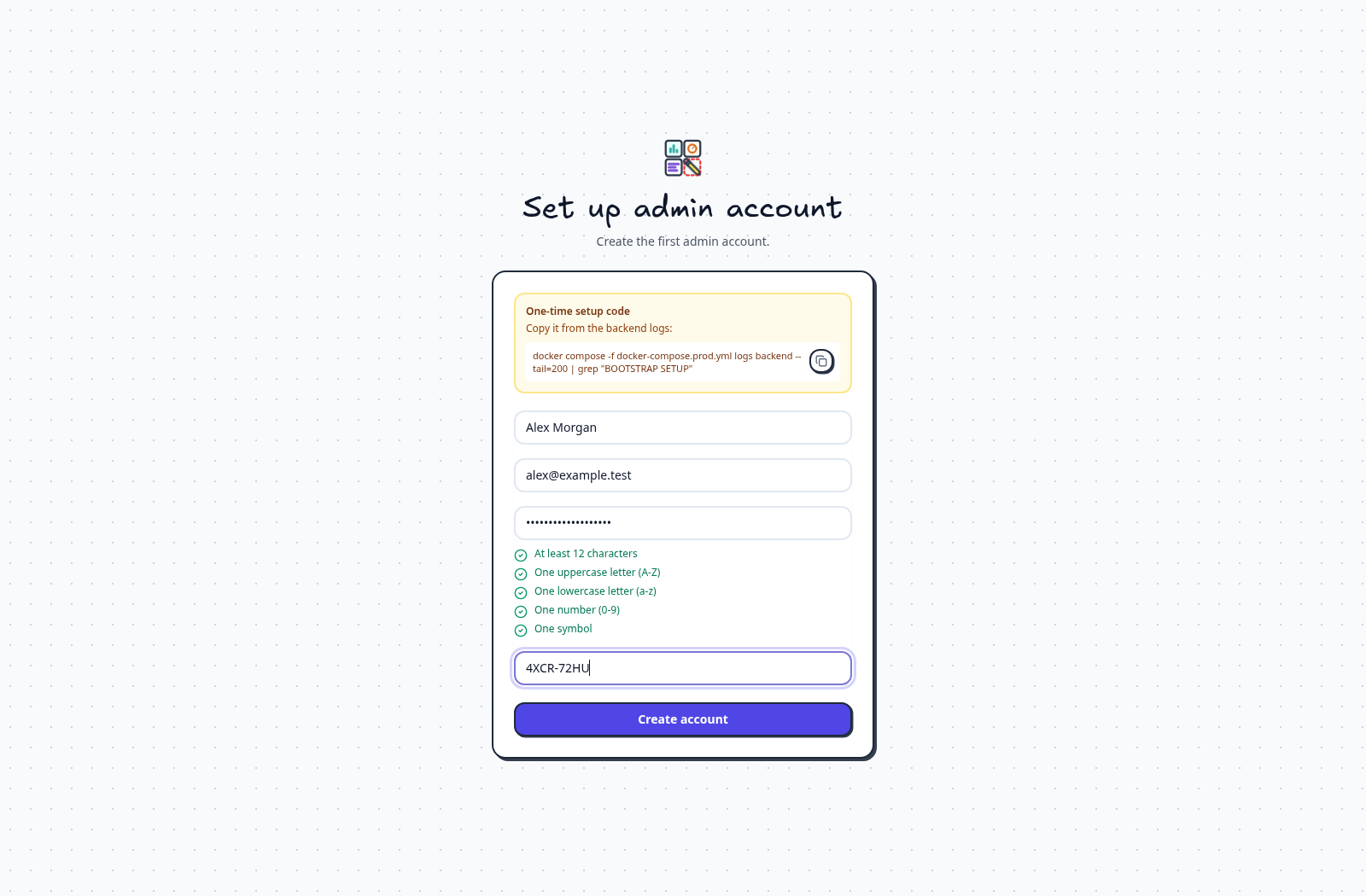
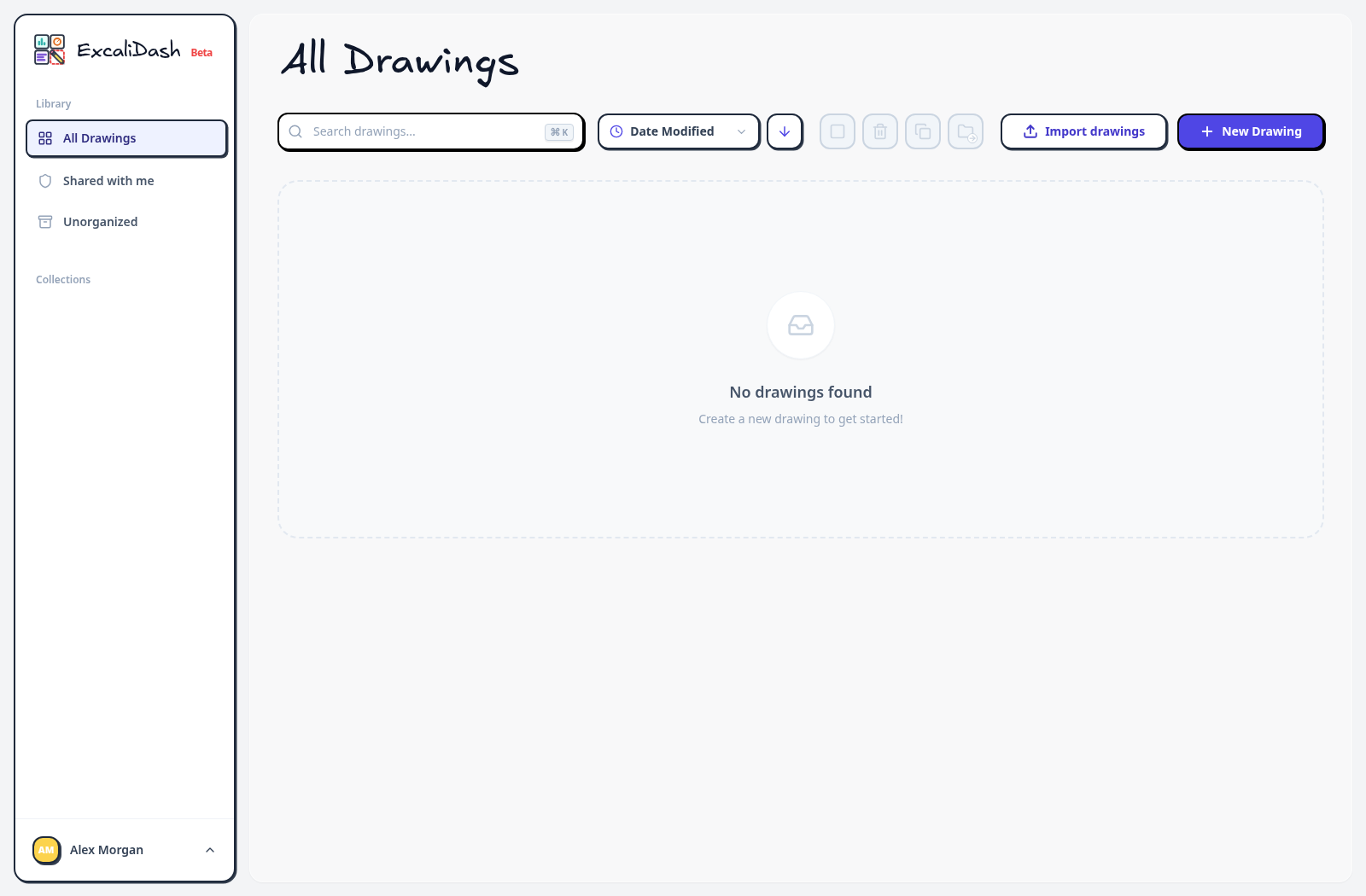
Follow the real setup flow, including the initially empty workspace and first blank drawing.

Create an account ​

Register a local account when self-registration is enabled.
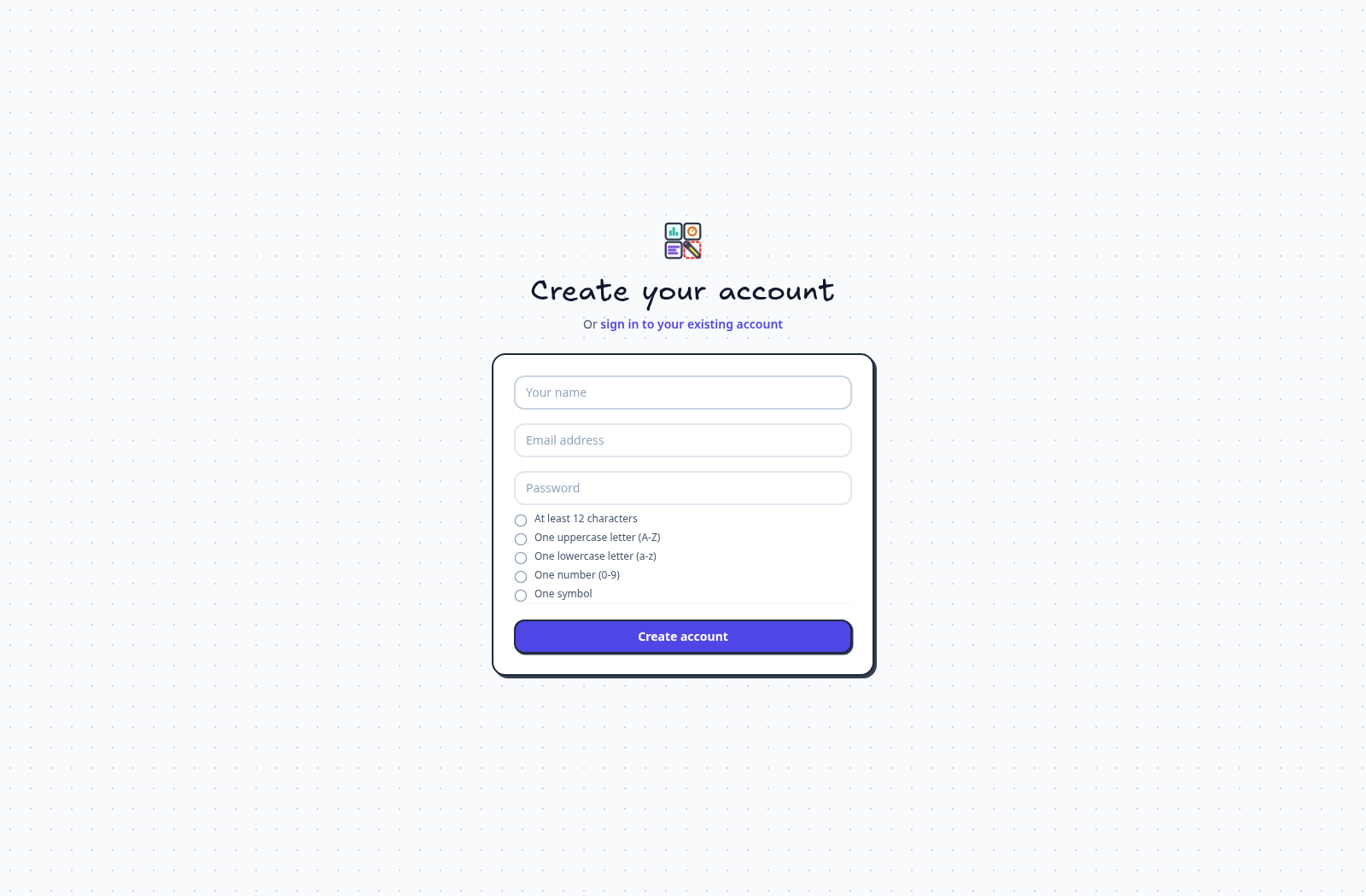
Create an account — Register a local account when self-registration is enabled.Create an account — Register a local account when self-registration is enabled.

Sign in ​

Sign in with a local email address and password.

Sign in — Sign in with a local email address and password.Sign in — Sign in with a local email address and password.

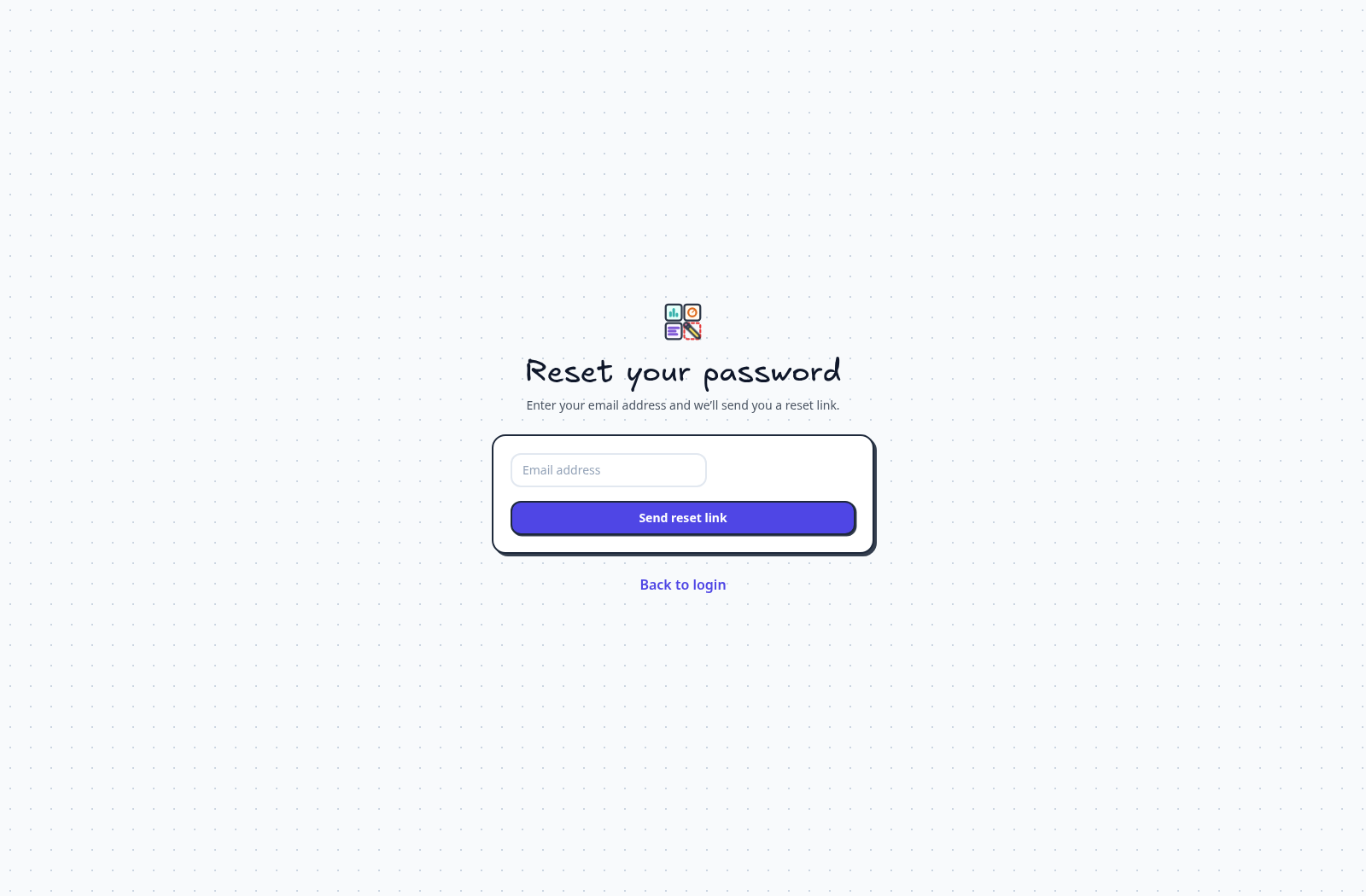
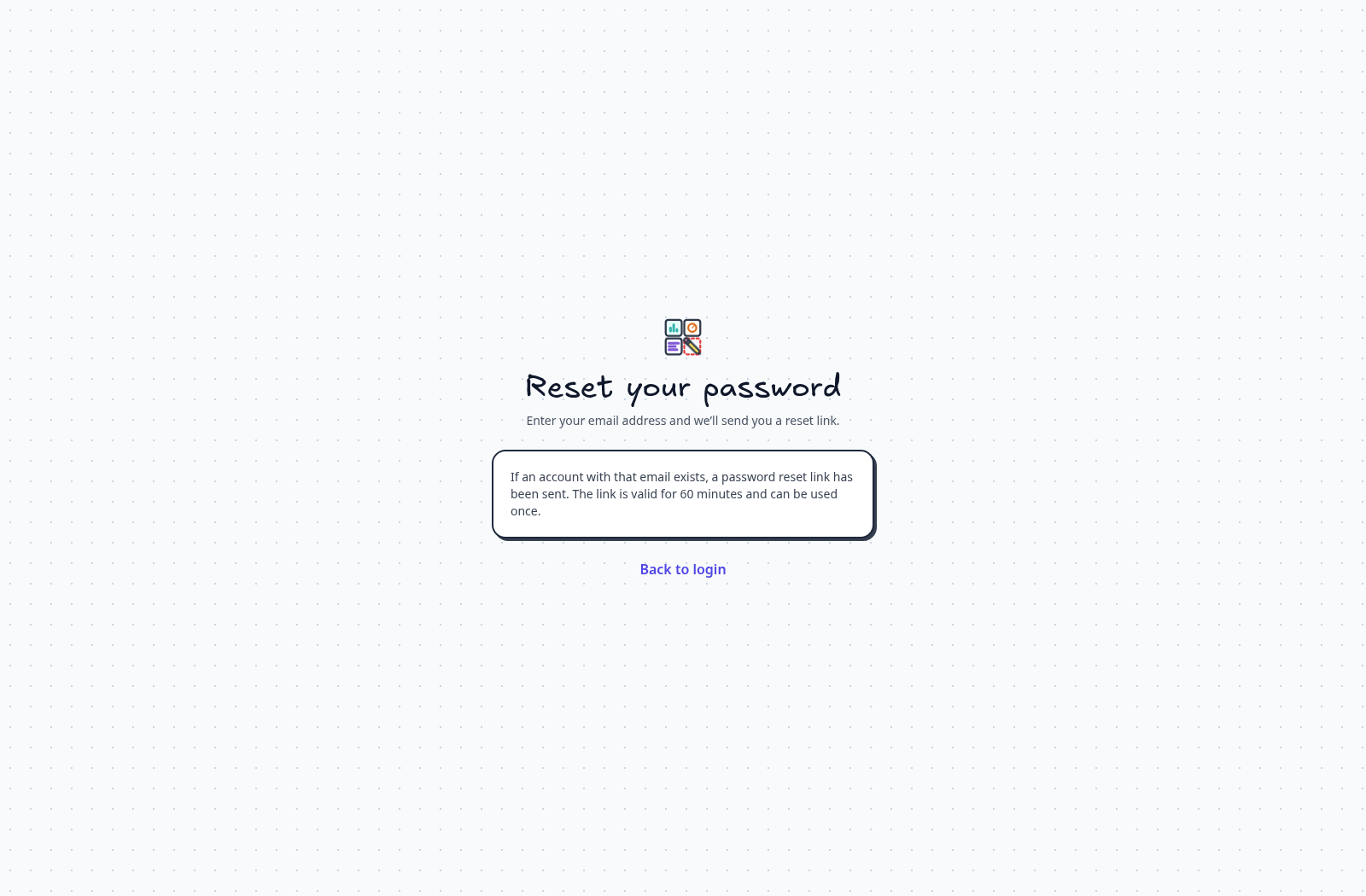
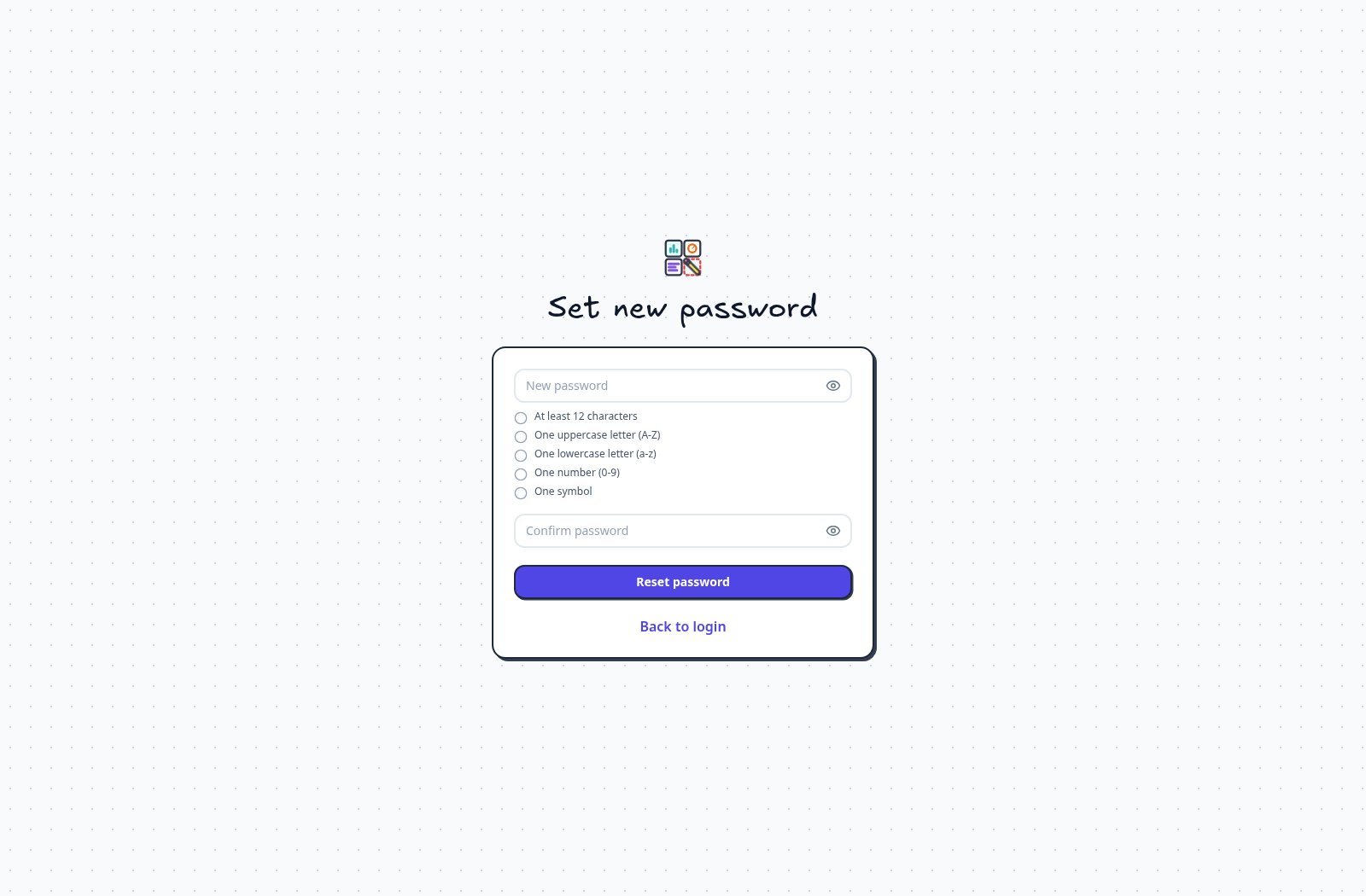
Reset your password ​

Follow the request, email-link, new-password, and success screens.

Drawing sharing ​

Open Share to invite accounts and manage access.
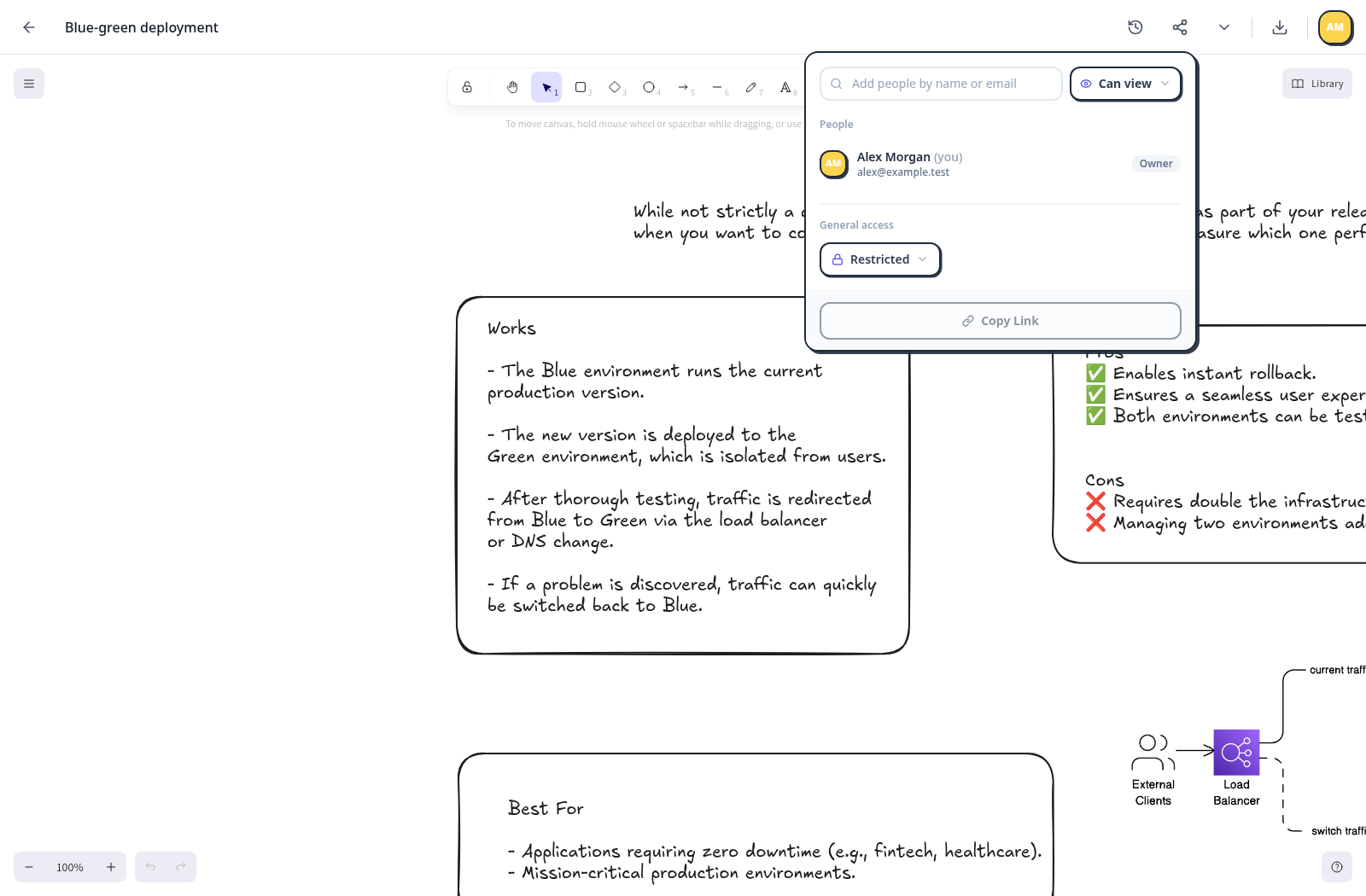
Drawing sharing — Open Share to invite accounts and manage access.Drawing sharing — Open Share to invite accounts and manage access.

Collection sharing ​

Open Share Collection from the sidebar context menu.
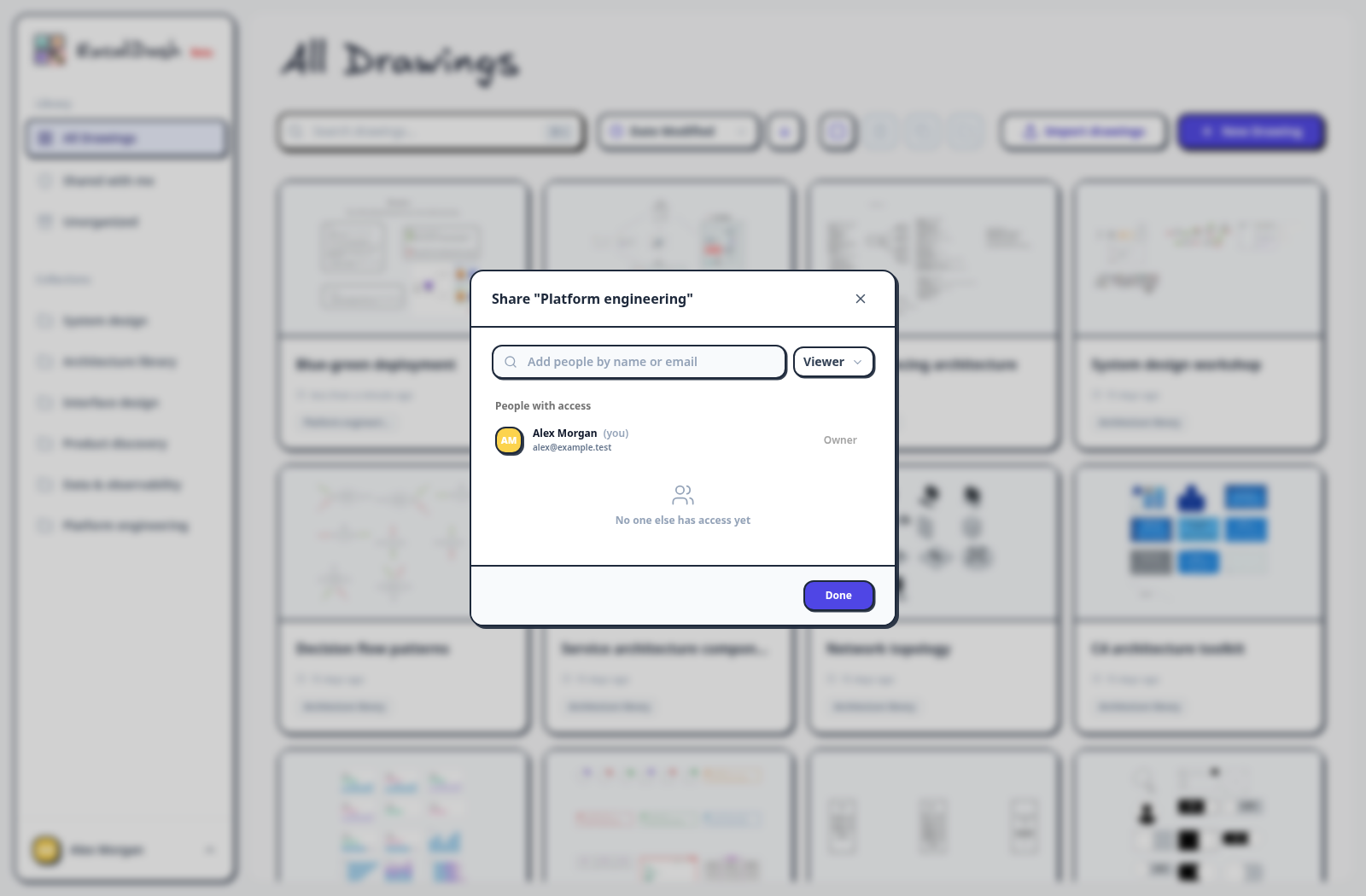
Collection sharing — Open Share Collection from the sidebar context menu.Collection sharing — Open Share Collection from the sidebar context menu.

Open the link-access choices in the drawing sharing controls.
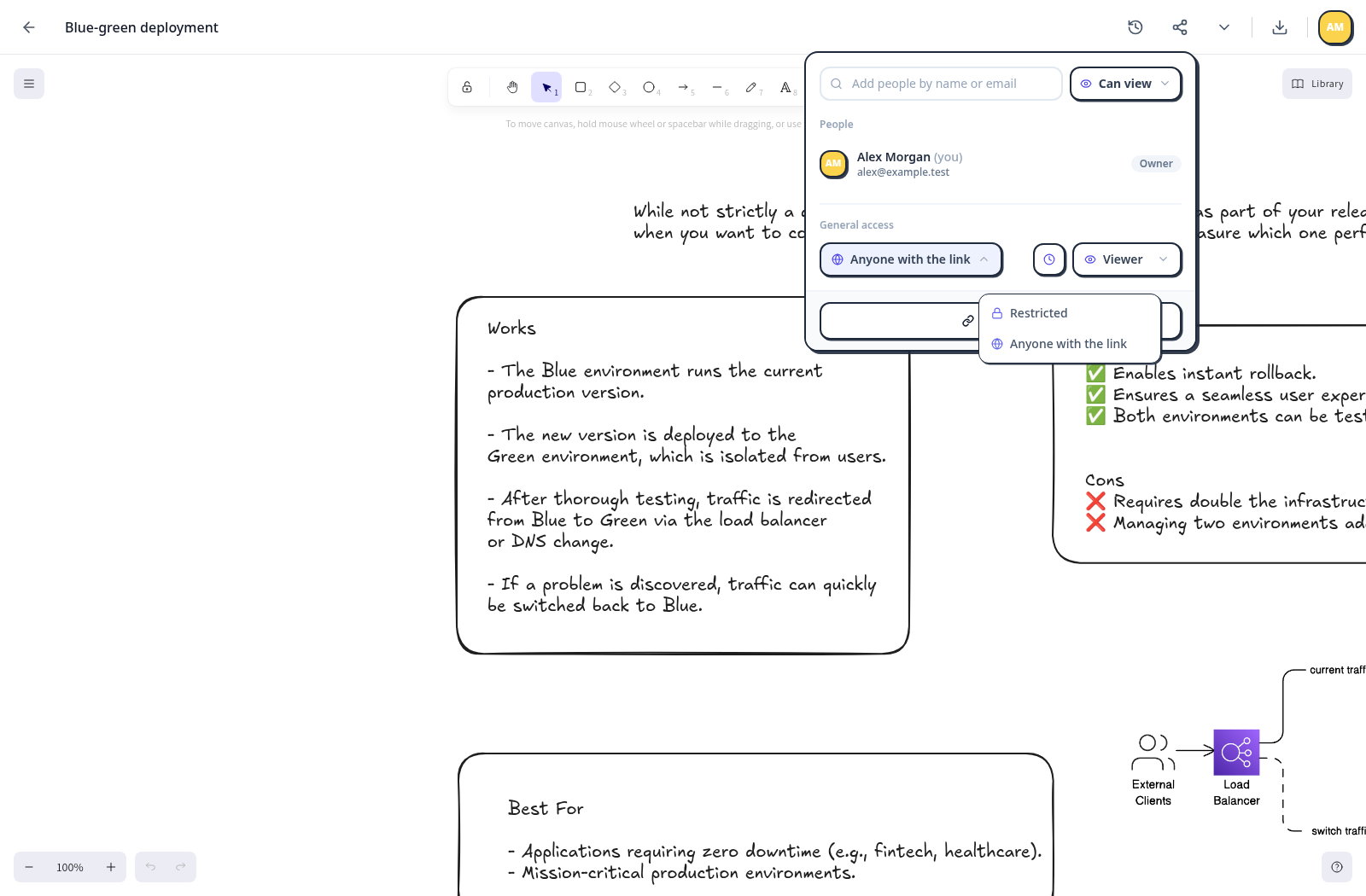
Link access — Open the link-access choices in the drawing sharing controls.Link access — Open the link-access choices in the drawing sharing controls.

Drawing history ​

Select a snapshot in Version History to preview and restore it.
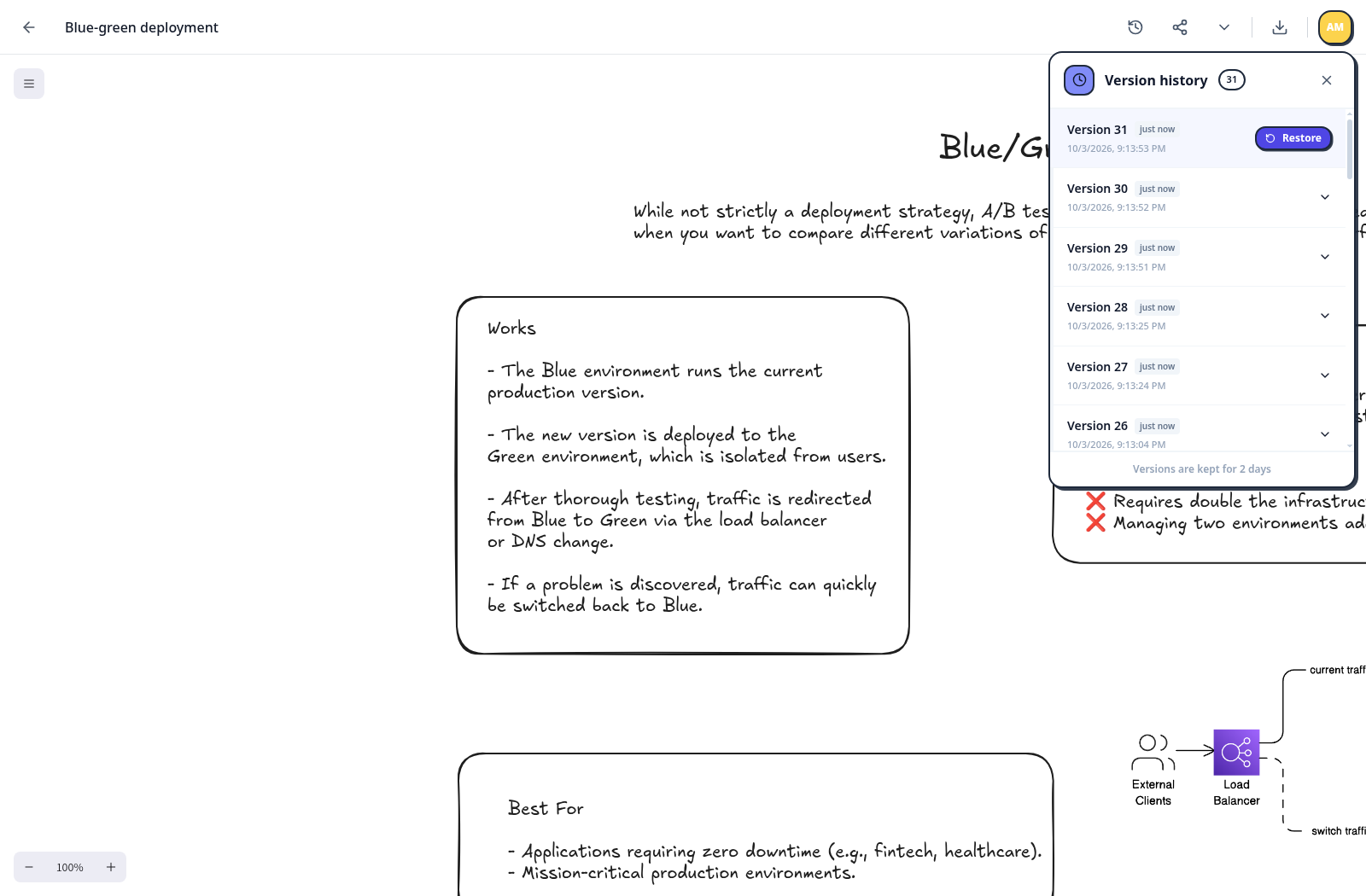
Drawing history — Select a snapshot in Version History to preview and restore it.Drawing history — Select a snapshot in Version History to preview and restore it.

Administrator controls ​

Manage registration settings and local users.
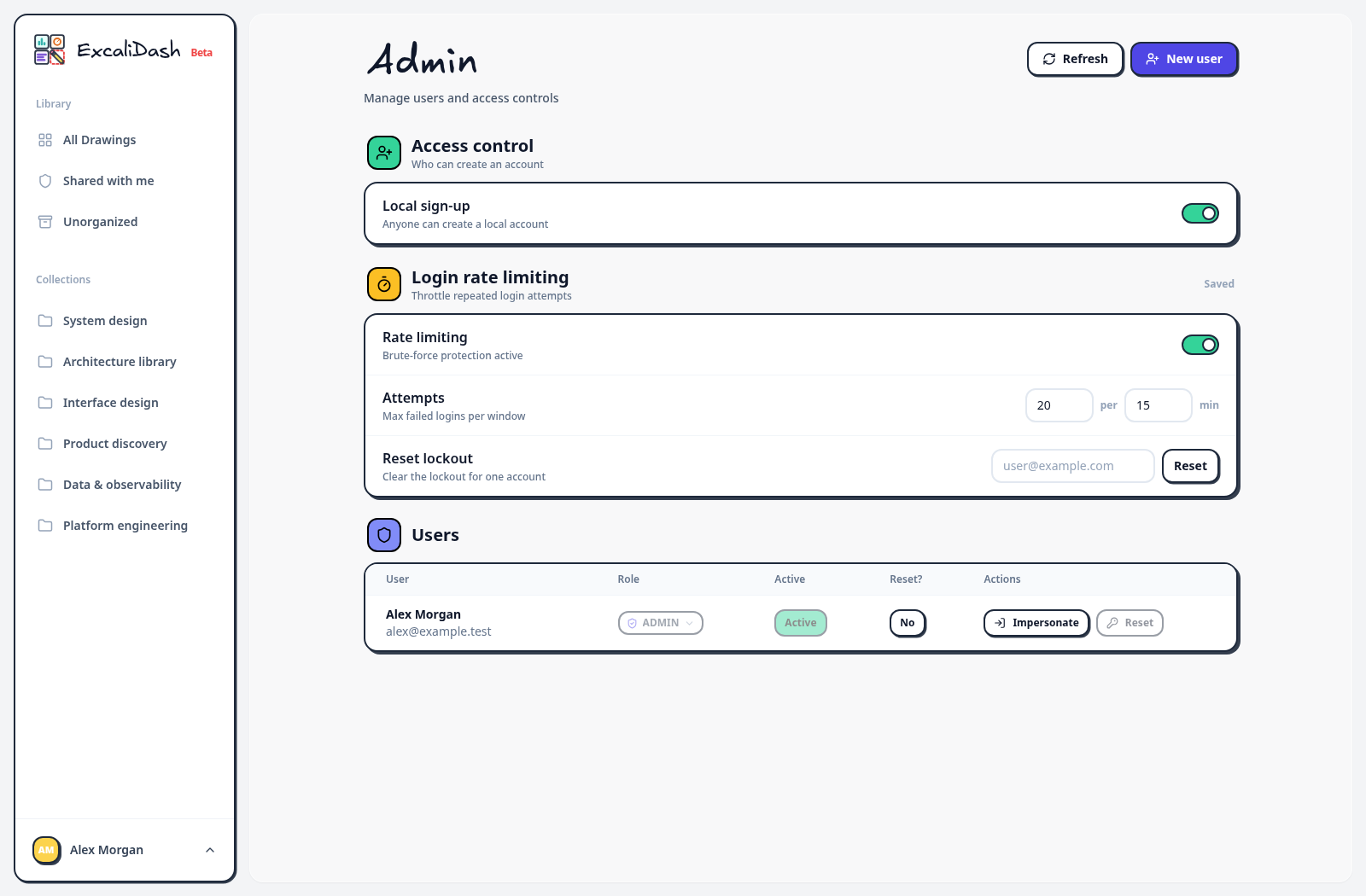
Administrator controls — Manage registration settings and local users.Administrator controls — Manage registration settings and local users.

Create a user in Admin ​

Open New User to create an account as an administrator.
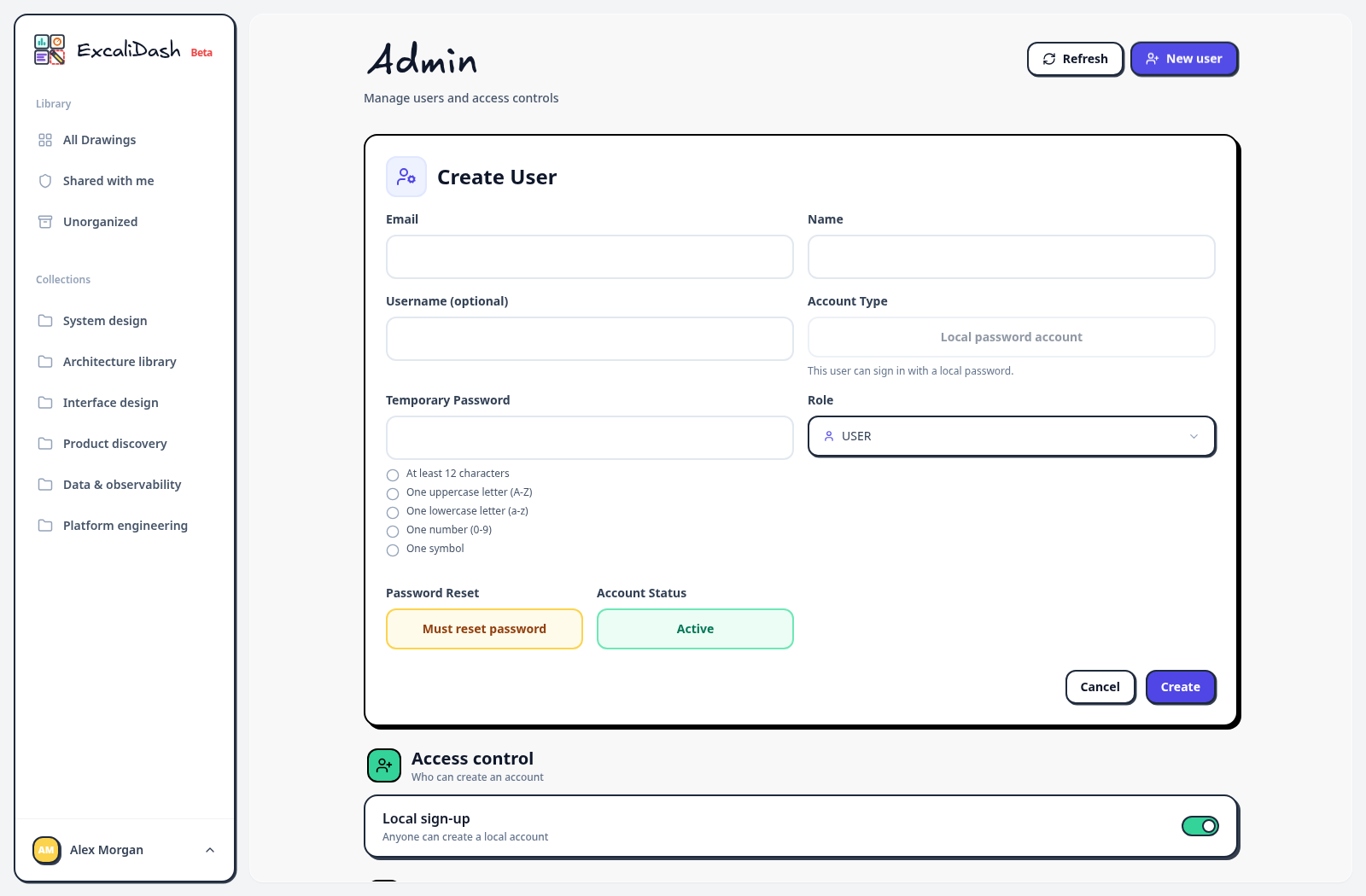
Create a user in Admin — Open New User to create an account as an administrator.Create a user in Admin — Open New User to create an account as an administrator.

Workspace settings ​

Change appearance and editor preferences or export a backup.
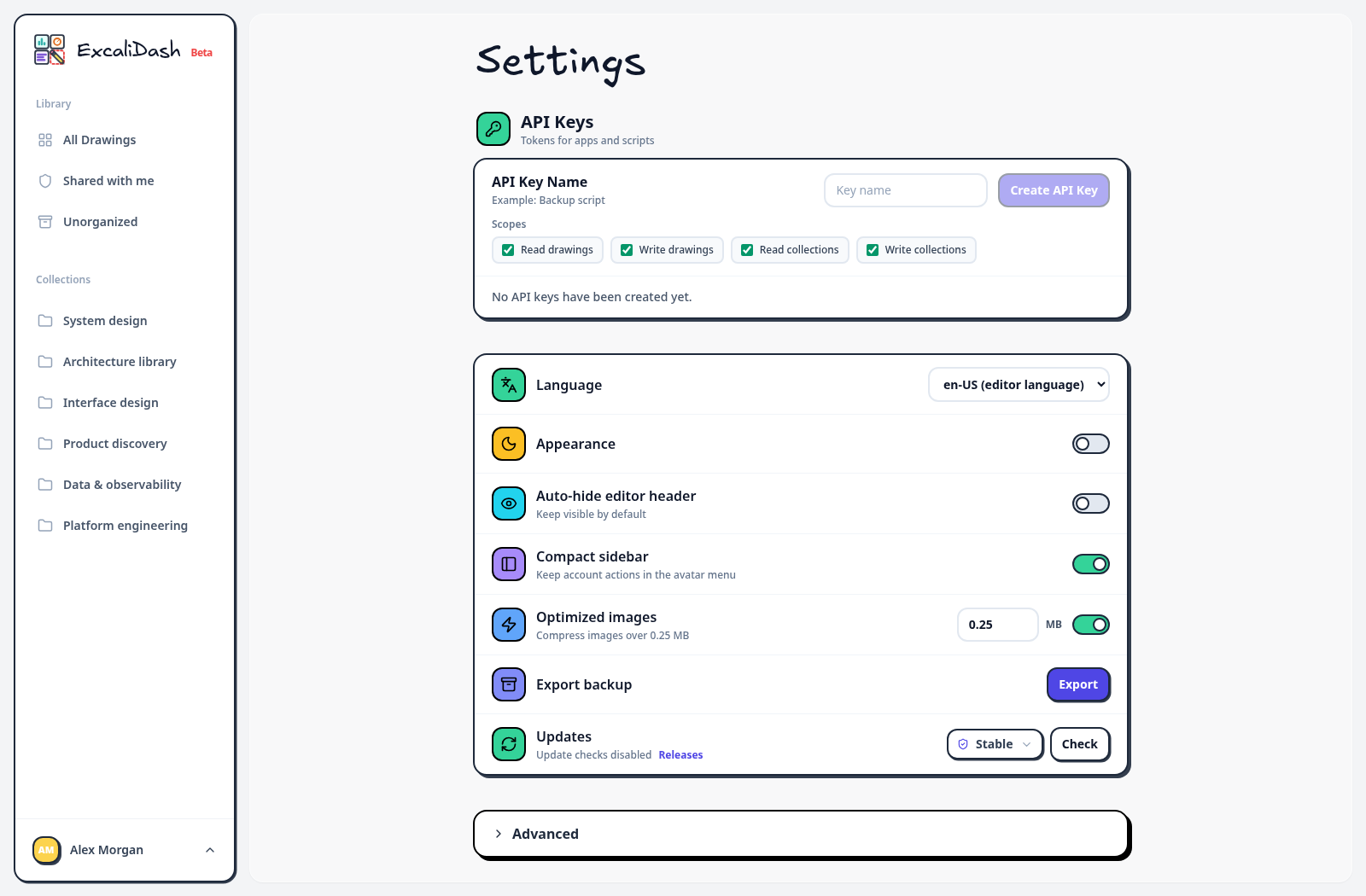
Workspace settings — Change appearance and editor preferences or export a backup.Workspace settings — Change appearance and editor preferences or export a backup.

Advanced settings ​

Expand Advanced to access library backup import and instance information.
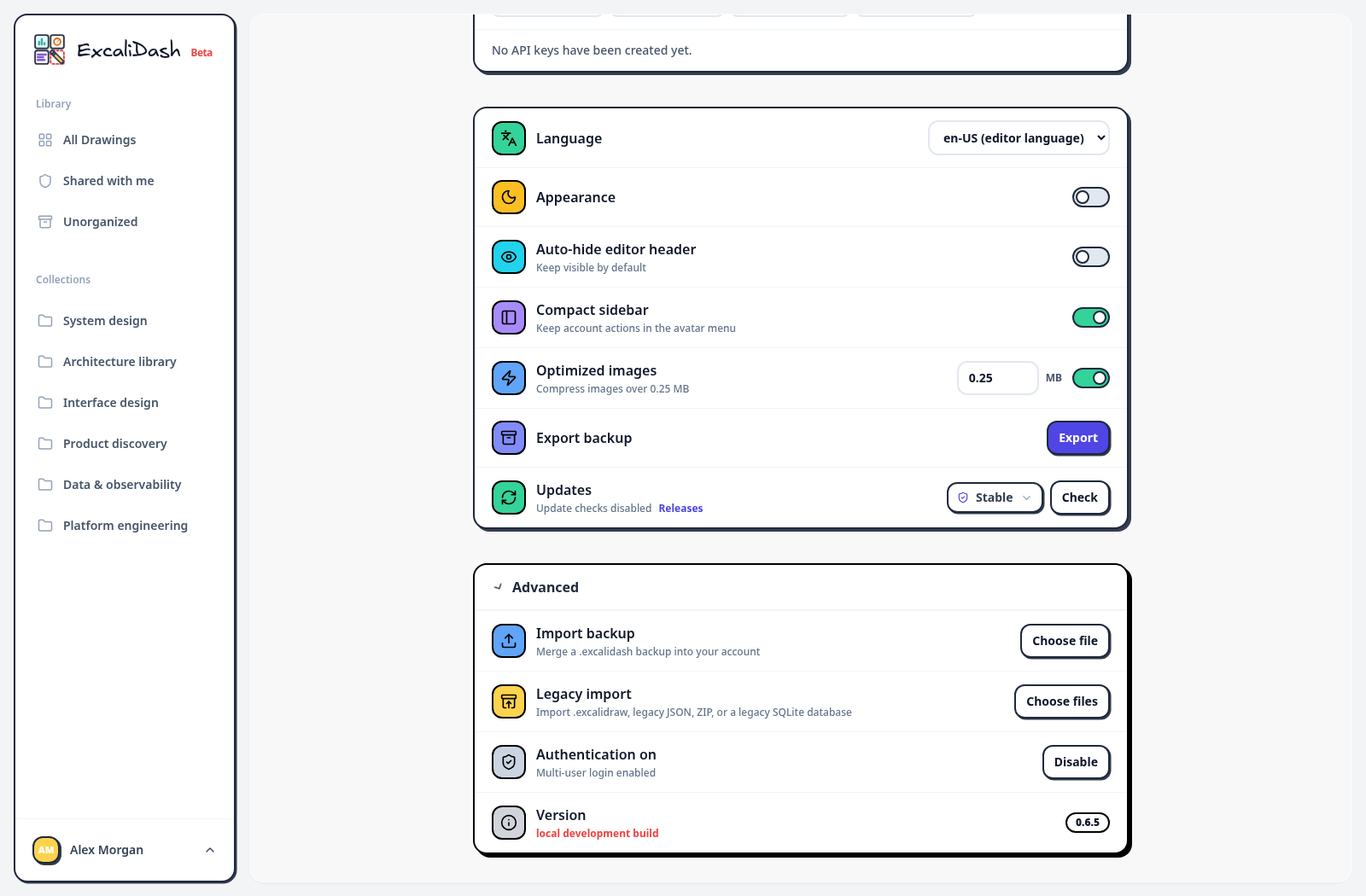
Advanced settings — Expand Advanced to access library backup import and instance information.Advanced settings — Expand Advanced to access library backup import and instance information.

Backup import confirmation ​

Select a real backup to review the import confirmation.
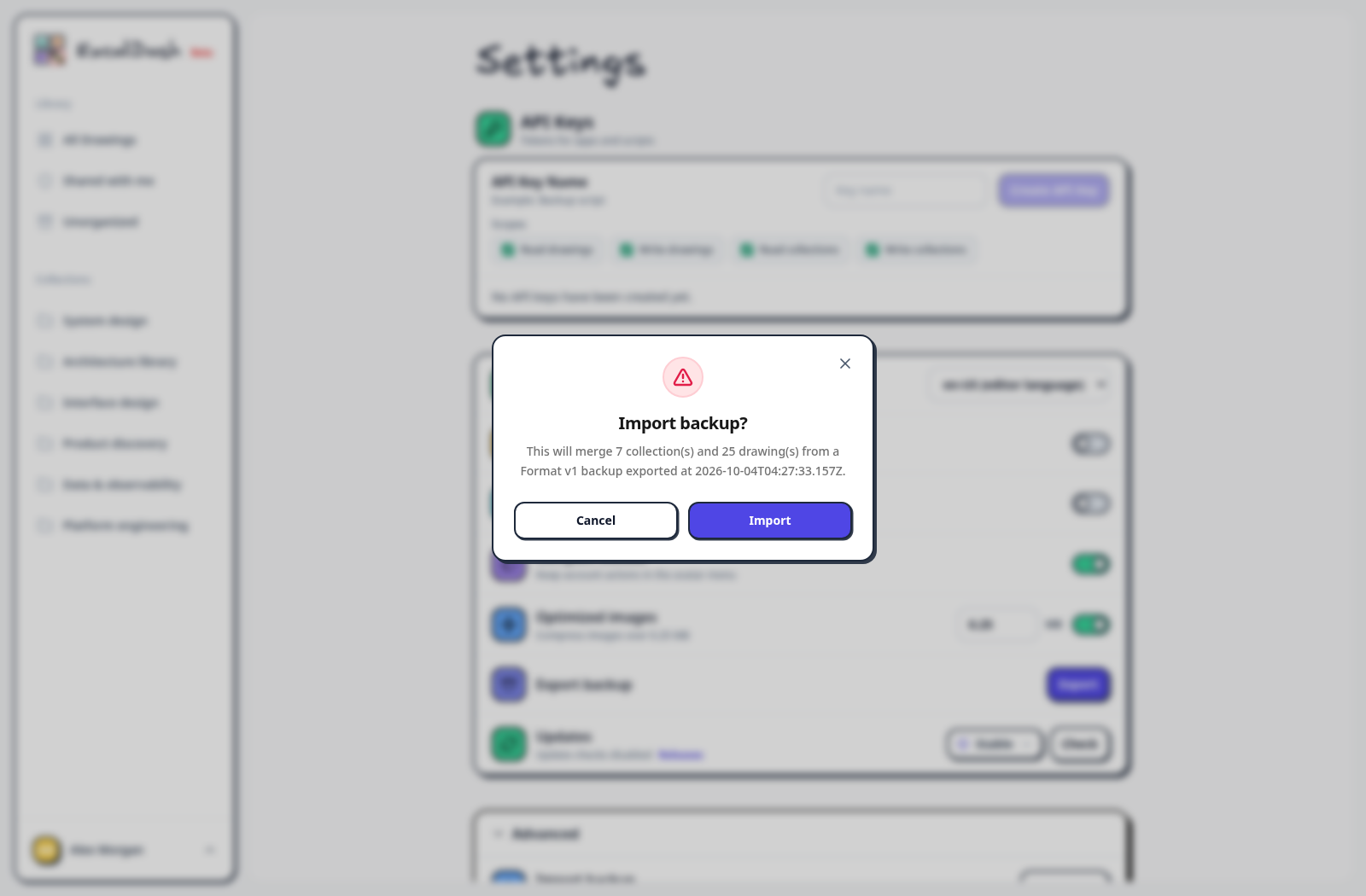
Backup import confirmation — Select a real backup to review the import confirmation.Backup import confirmation — Select a real backup to review the import confirmation.

Sample drawing credits and licenses.

Self-hosted, open source, and built around Excalidraw.