
Excalidraw storage and backups on your server
ExcaliDash stores drawings in your server's database so you can return to your workspace from another device. The default Docker Compose stack uses SQLite and a named backend-data volume. PostgreSQL is also supported through the database configuration.
What persists in Docker?
The default data volume holds SQLite data, image records, and generated signing secrets. Restarting containers, pulling a new image, or running ordinary docker compose down keeps this volume.
Deleting the volume, including with docker compose down --volumes, removes its data. A persistent volume is not a backup: it does not protect against accidental deletion or losing the server.
Organize and move drawings
Use collections to group drawings and search your workspace to find them again. ExcaliDash supports drawing import and export in .excalidraw format, plus library export and import for moving your drawings between instances.
Open Settings from the account menu. Select Export under Export backup to download a library backup.
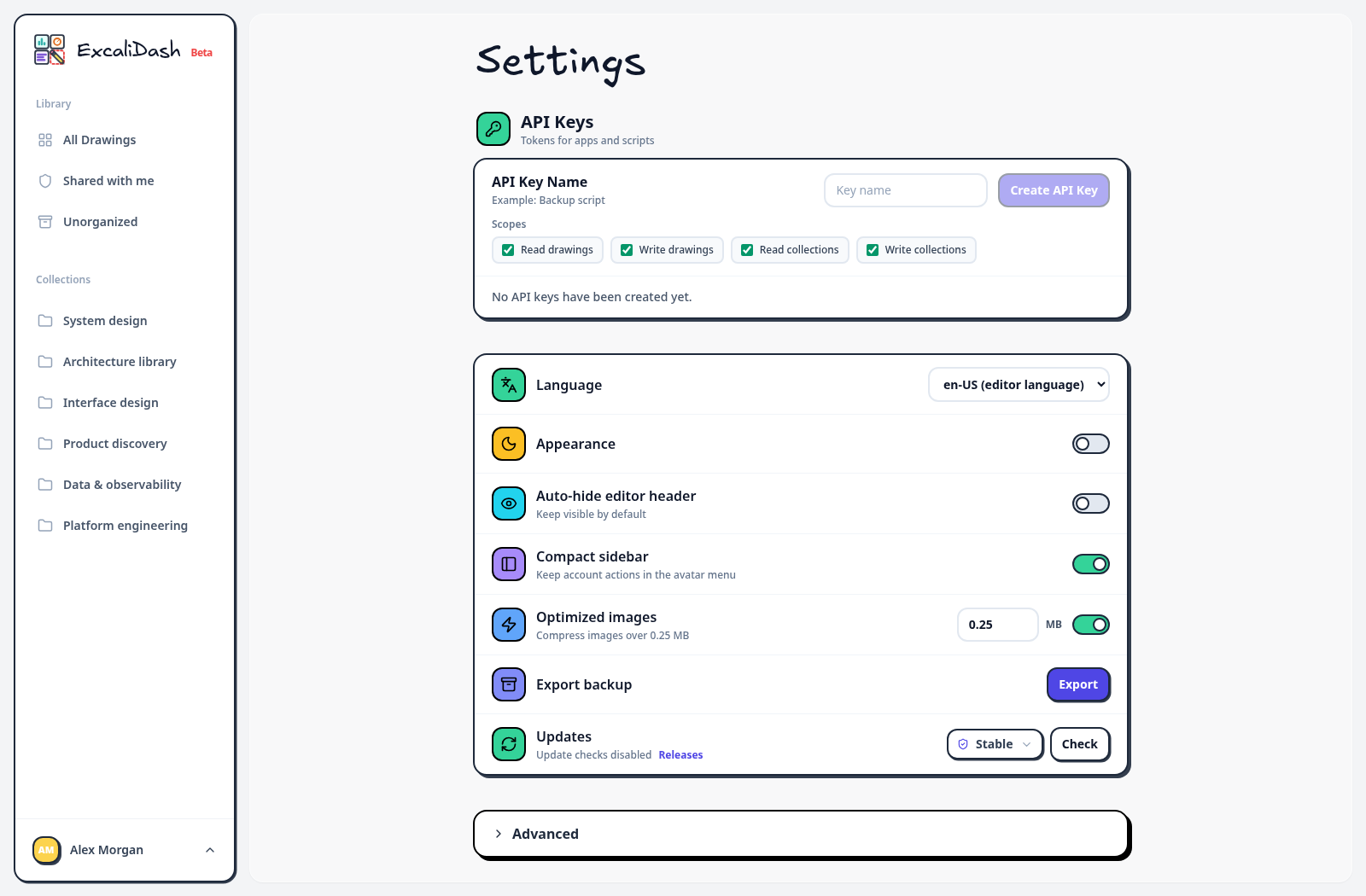
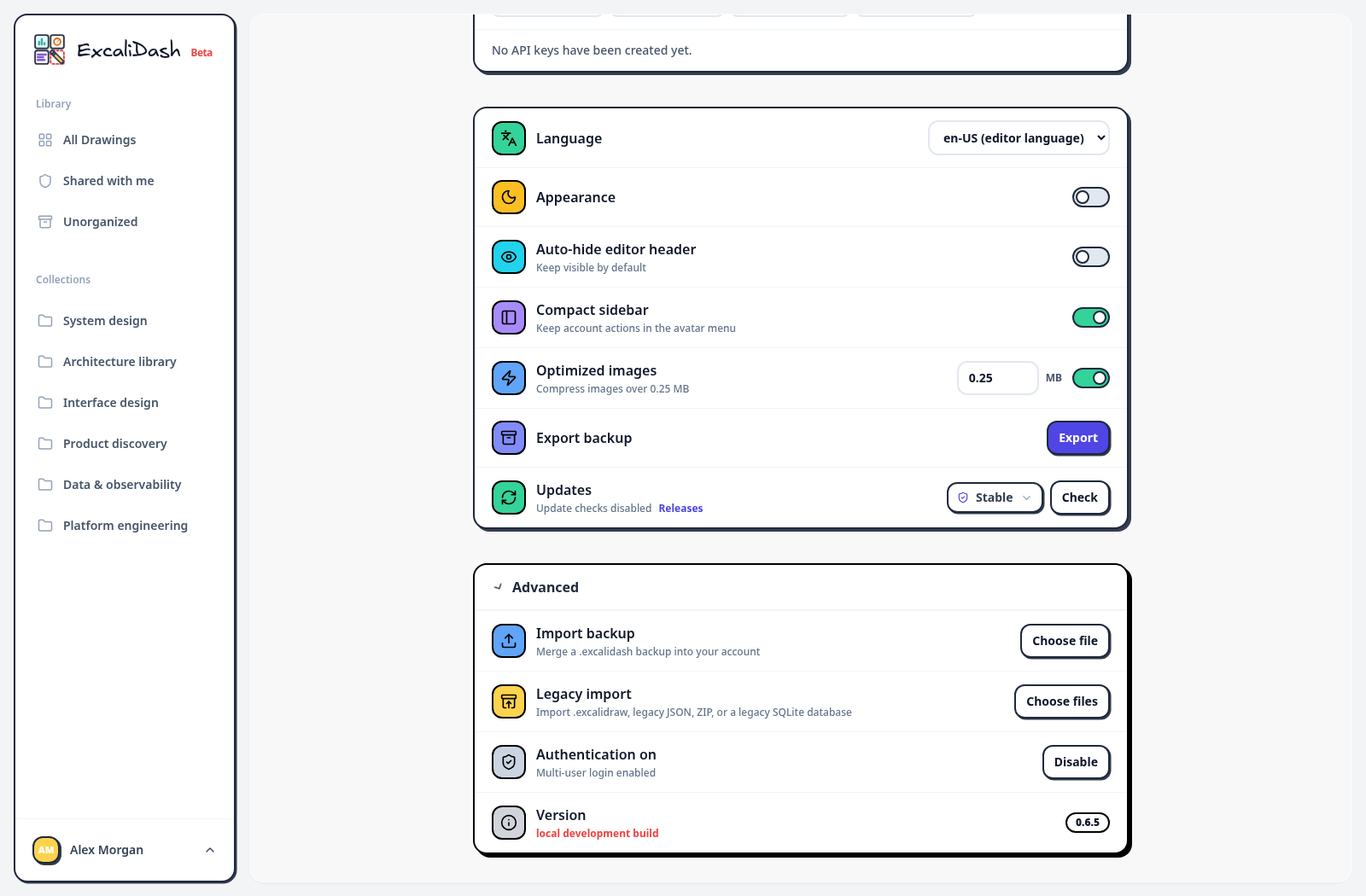
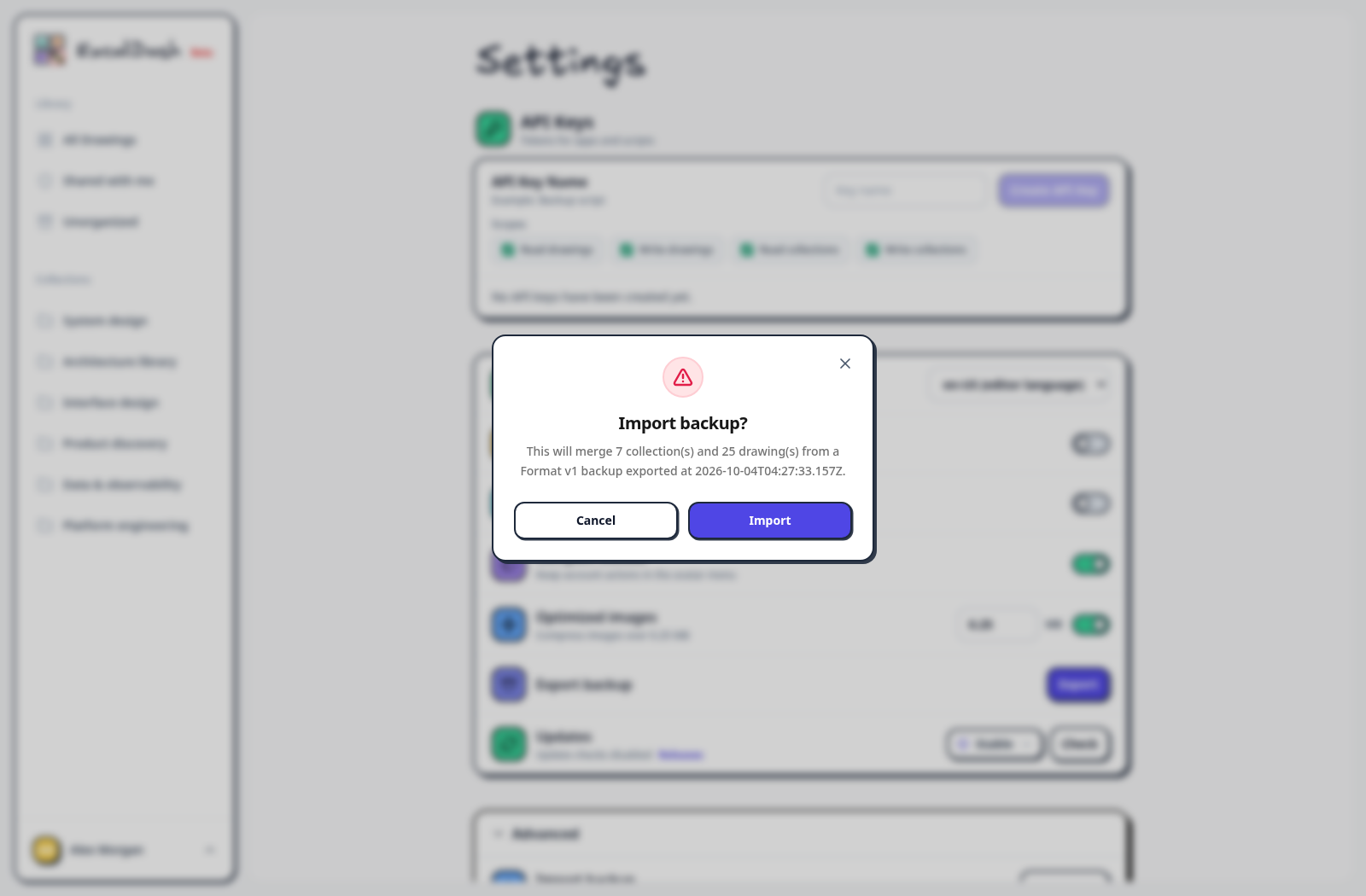
Keep an exported copy before a migration. A library export is useful for moving drawings; it does not replace a database backup for restoring the full server configuration and accounts.
Restore an earlier drawing
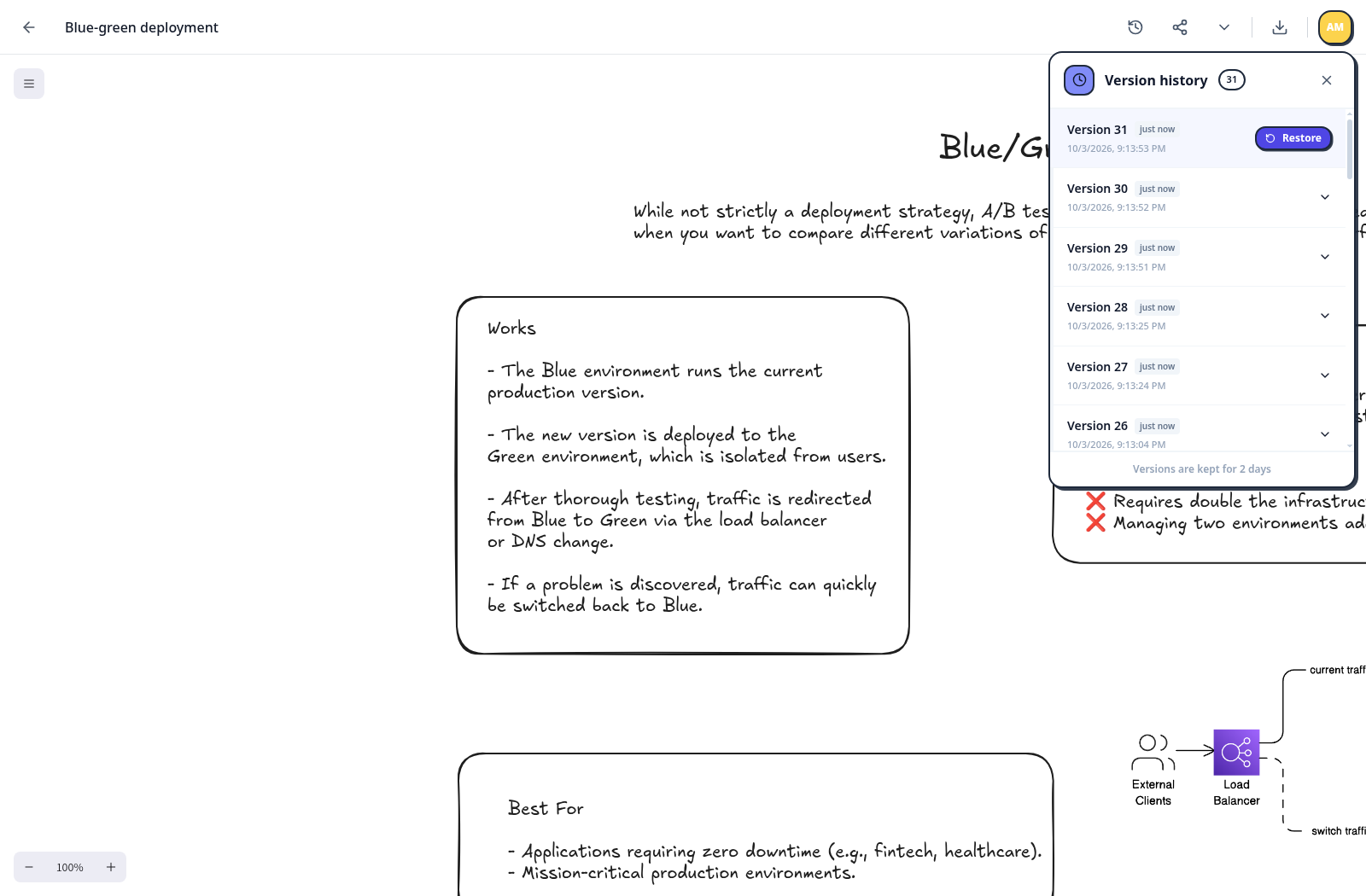
In an open drawing, select Version History, then select a snapshot to preview it. Use the restore control to return to that state. History helps recover from edits, but lives with the workspace data. Keep backups separately to recover after losing the database or server.
Schedule SQLite backups
The deployment guide includes a complete scheduled backup configuration, including a backup volume and its write permissions.
Configure BACKUP_SCHEDULE, BACKUP_DIR, and BACKUP_RETENTION_DAYS, mount a separate backup volume, and initialize it for the backend user before starting the stack. Check the backend logs after a scheduled run:
docker compose -f docker-compose.prod.yml logs --tail=100 backendScheduled backups copy the SQLite database. Save your signing secrets separately. Copy backups off the server, and test a restore before relying on them. A second volume on the same server still shares the server's failure risks.
PostgreSQL and S3
For PostgreSQL deployments, use PostgreSQL's database backup and restore tools. If you configure S3 for objects, back up those objects as well. Keep the database, objects, and secrets needed by your configuration together in your recovery plan.
Before an upgrade, create a backup and note the image version you are running. See Docker upgrades and the environment reference for configuration details.