First run
Create the administrator account before inviting other users. The default authentication mode is local.
Choose an authentication mode
| Mode | Best for |
|---|---|
local | ExcaliDash accounts |
hybrid | Local accounts and OpenID Connect |
oidc_enforced | OpenID Connect only |
disabled | Personal use in isolated environments only |
Do not expose disabled authentication publicly
AUTH_MODE=disabled gives every visitor the same identity and access.
Create the administrator
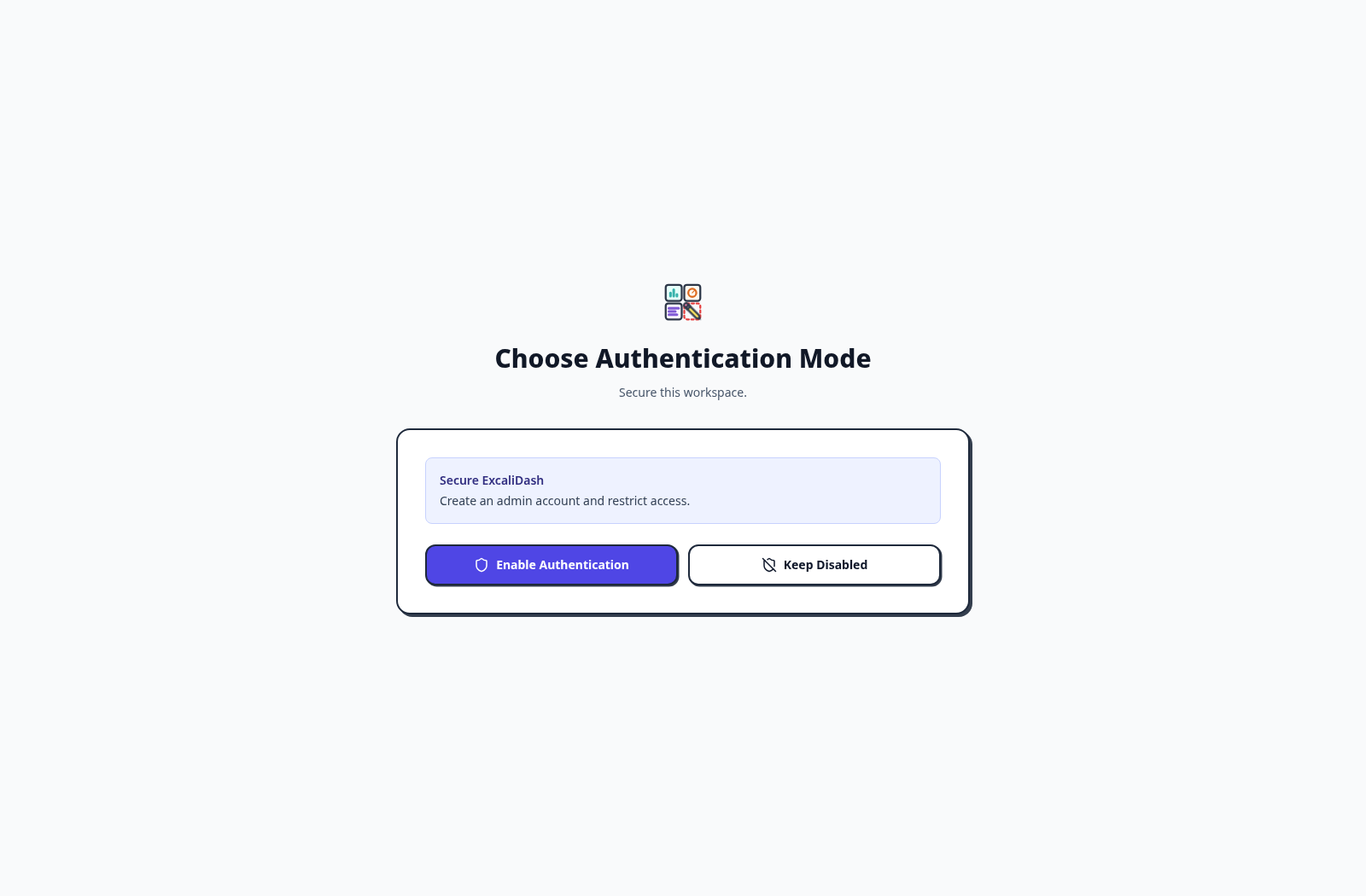
Use the arrows to follow each screen of the default local-account setup. If authentication is already enabled, start at the administrator form.
When a fresh instance asks you to choose an authentication mode, select Enable Authentication to secure the workspace.
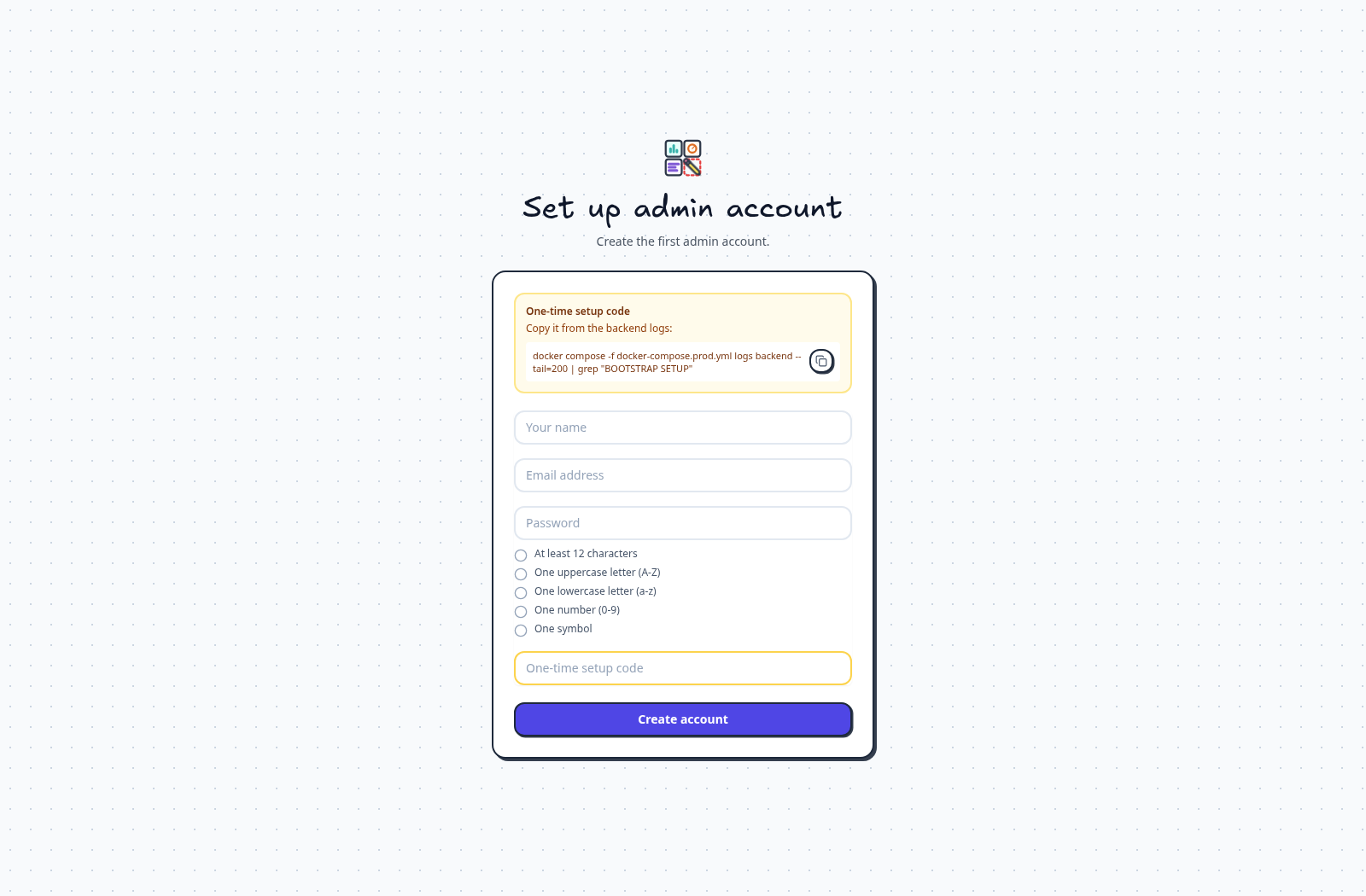
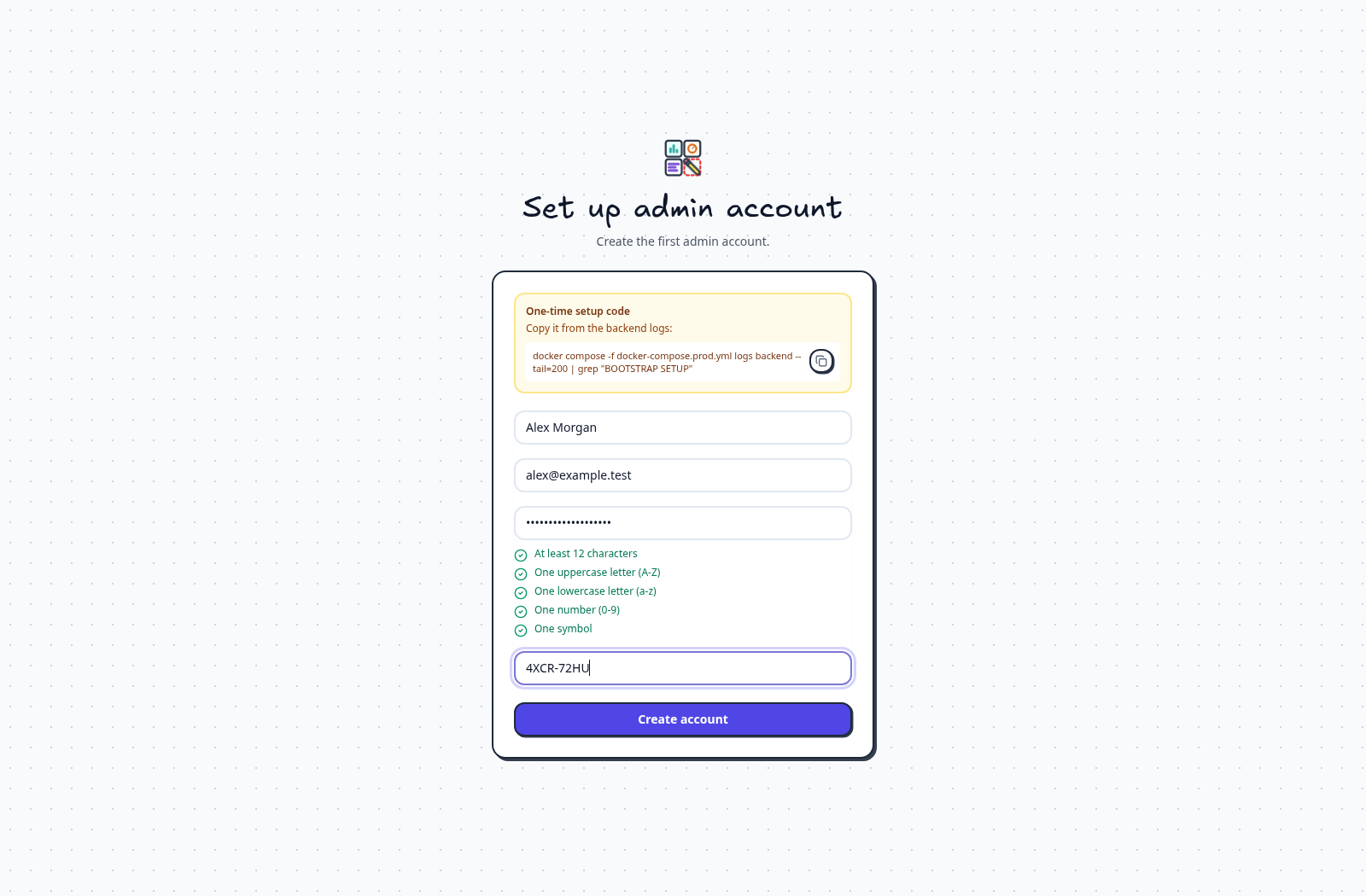
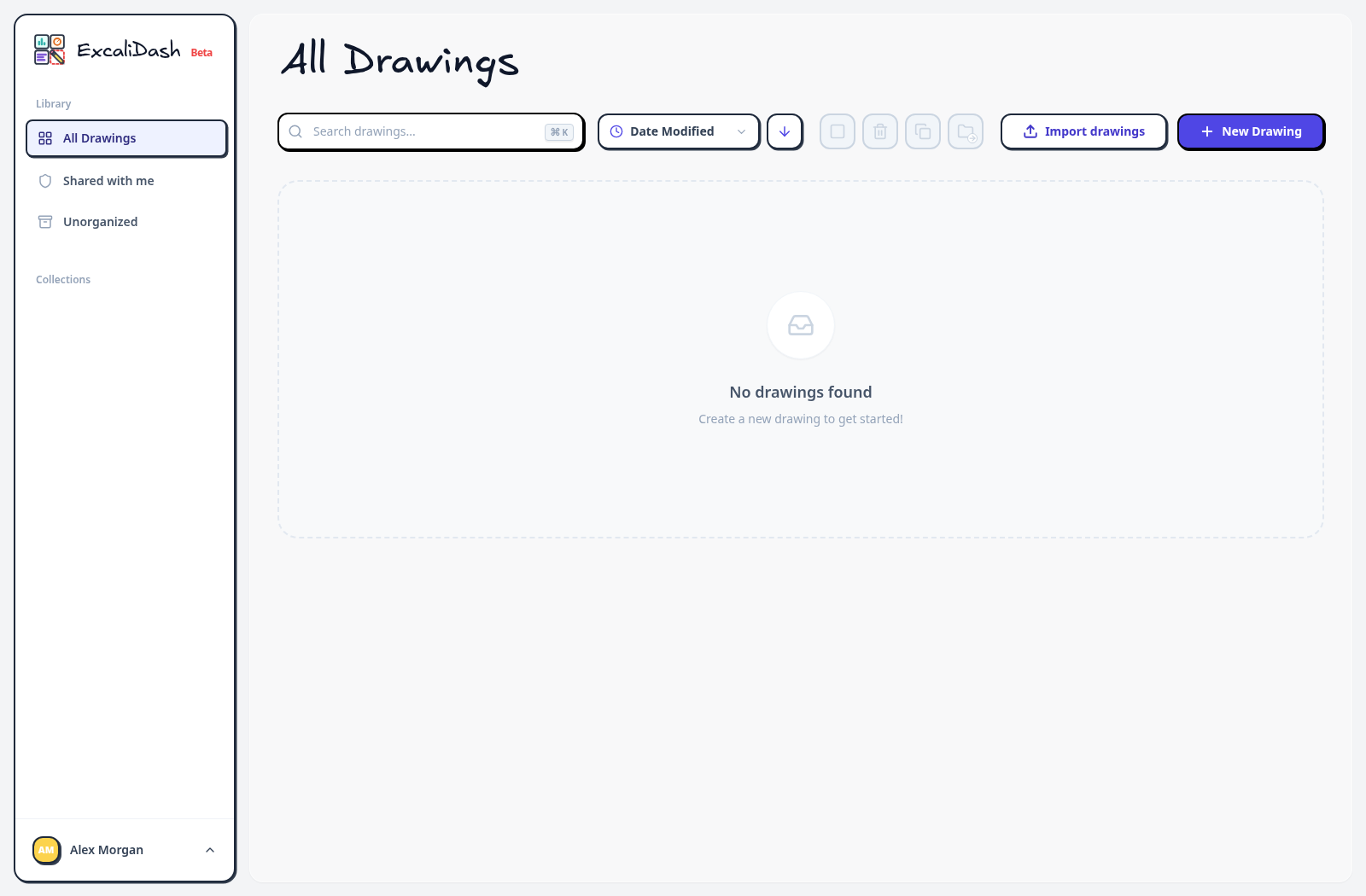
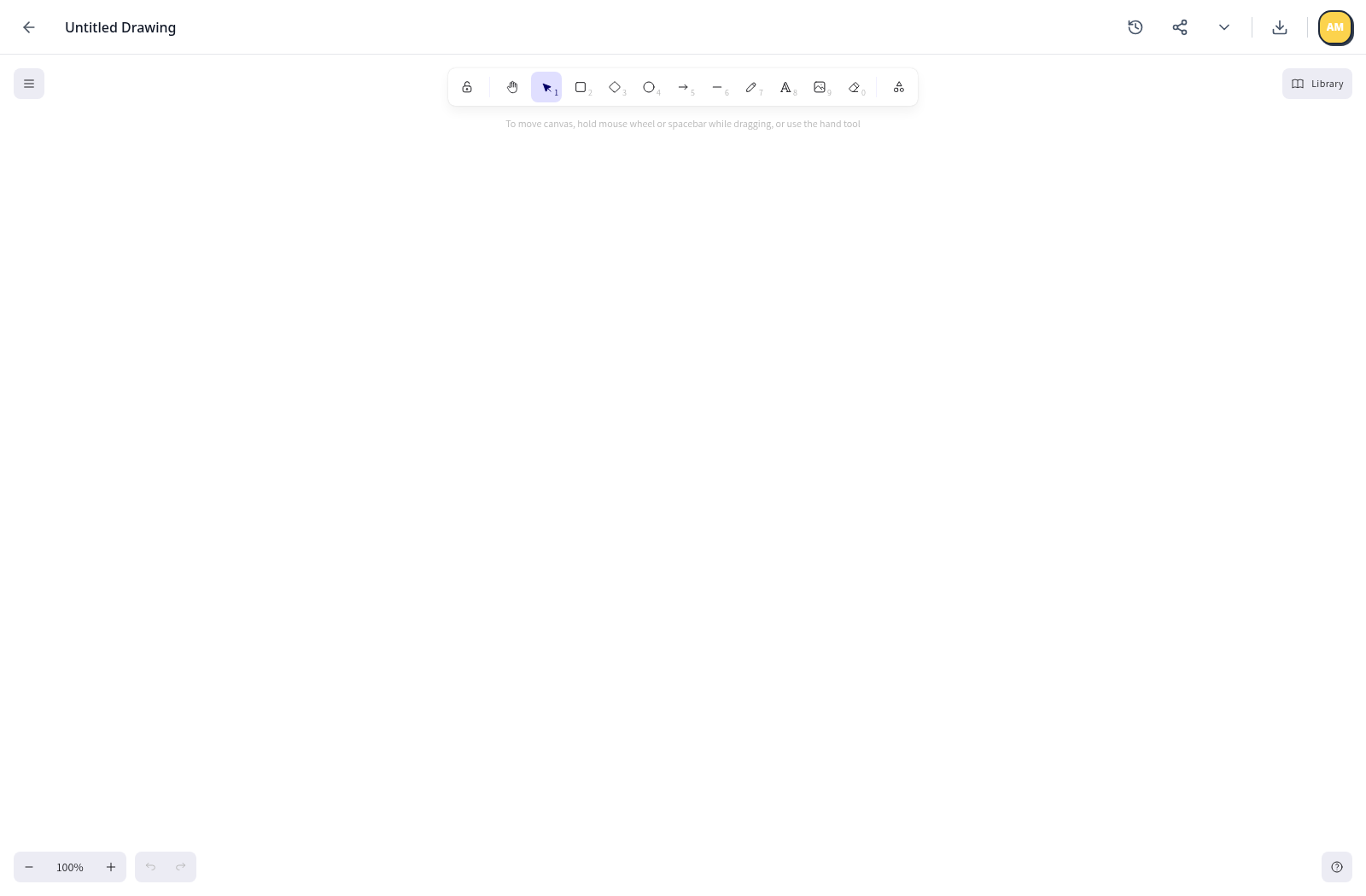
Setup codes expire after 15 minutes by default.
Invite users
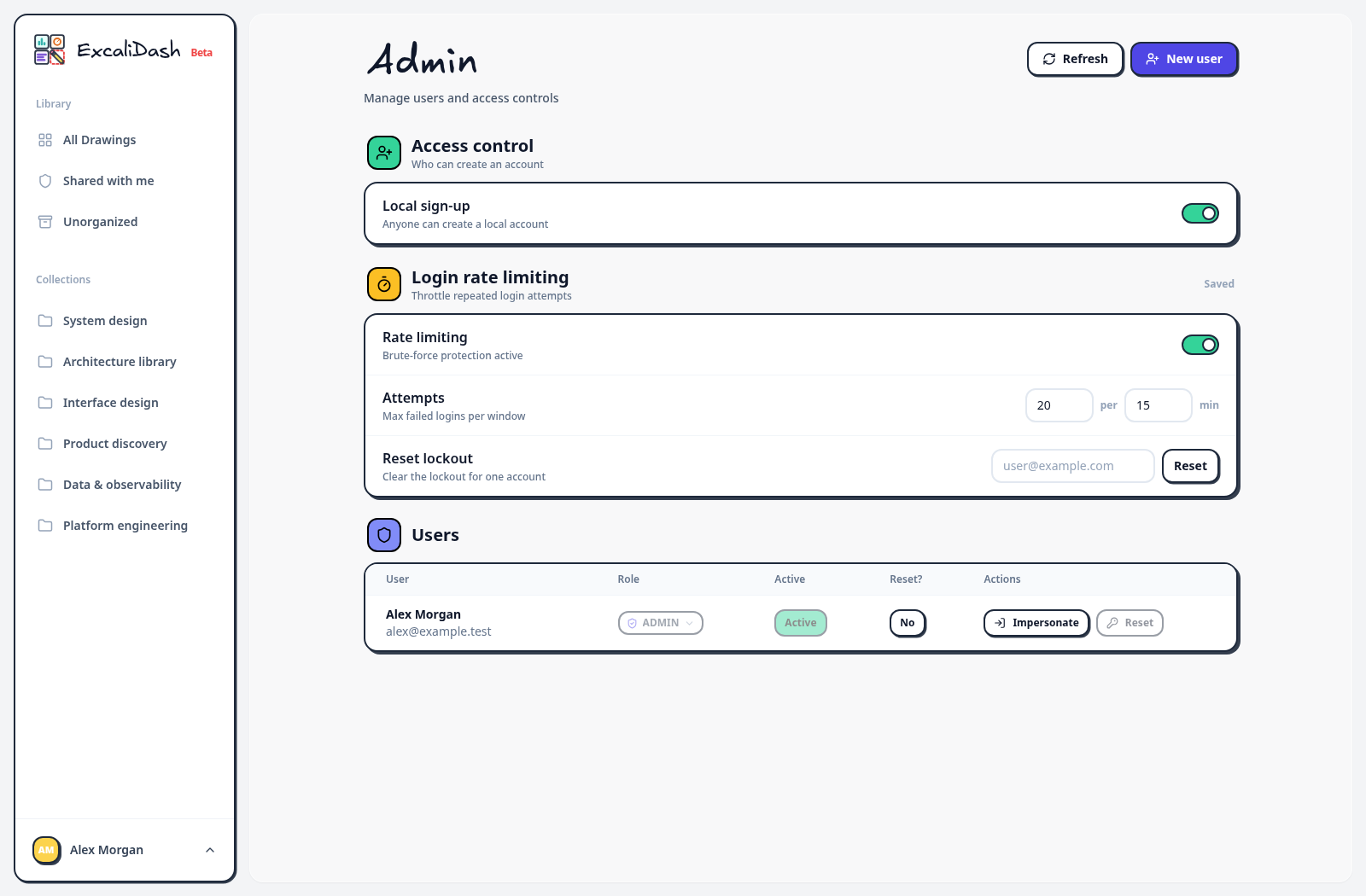
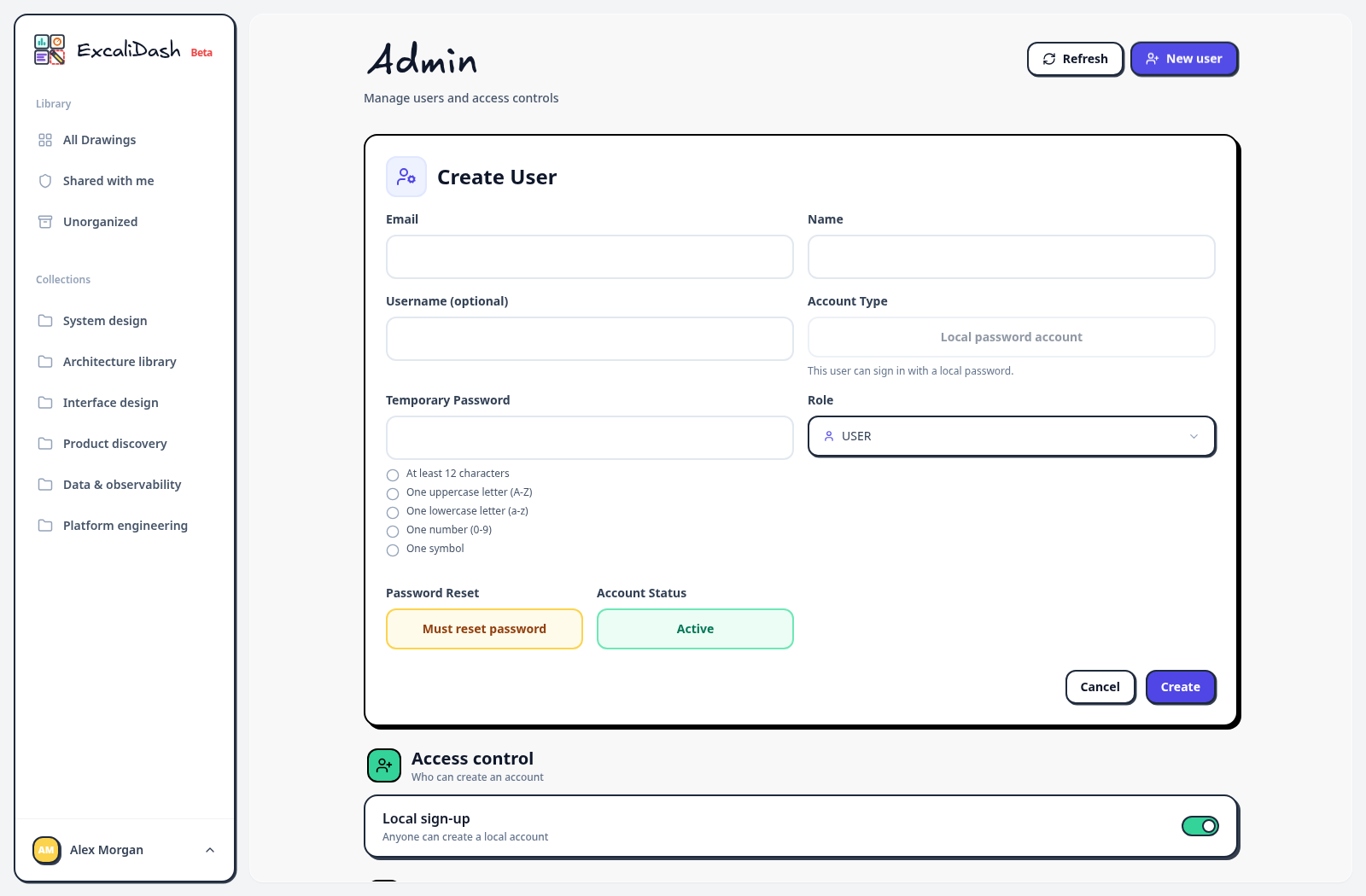
Open Admin to create another local account or enable self-registration.
Open the account menu and select Admin. Use the registration setting if you want people to create their own accounts.
For OpenID Connect (OIDC), configure the provider before signing in. OIDC_FIRST_USER_ADMIN=true makes the first provisioned OIDC user an administrator.
Your workspace
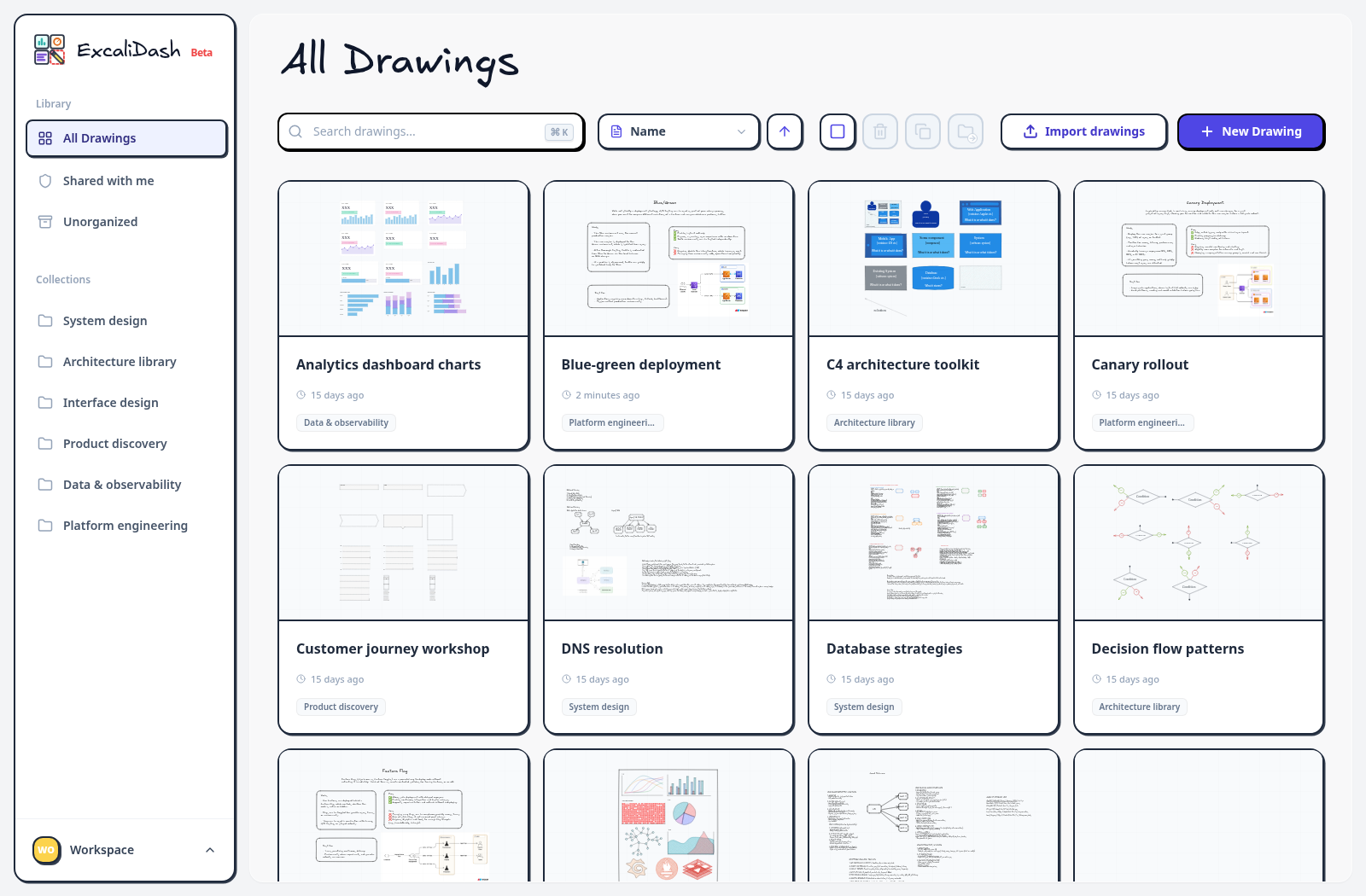
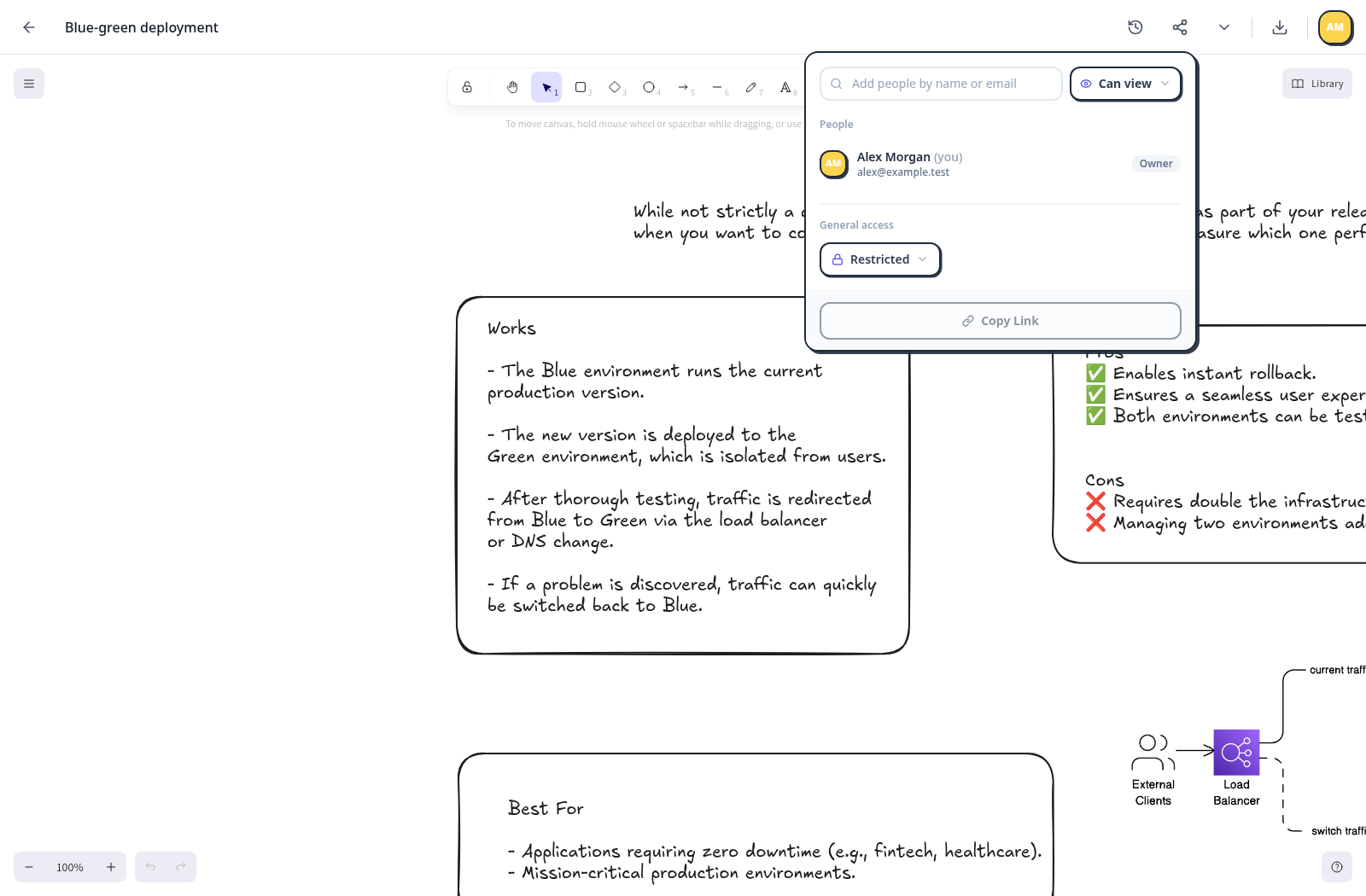
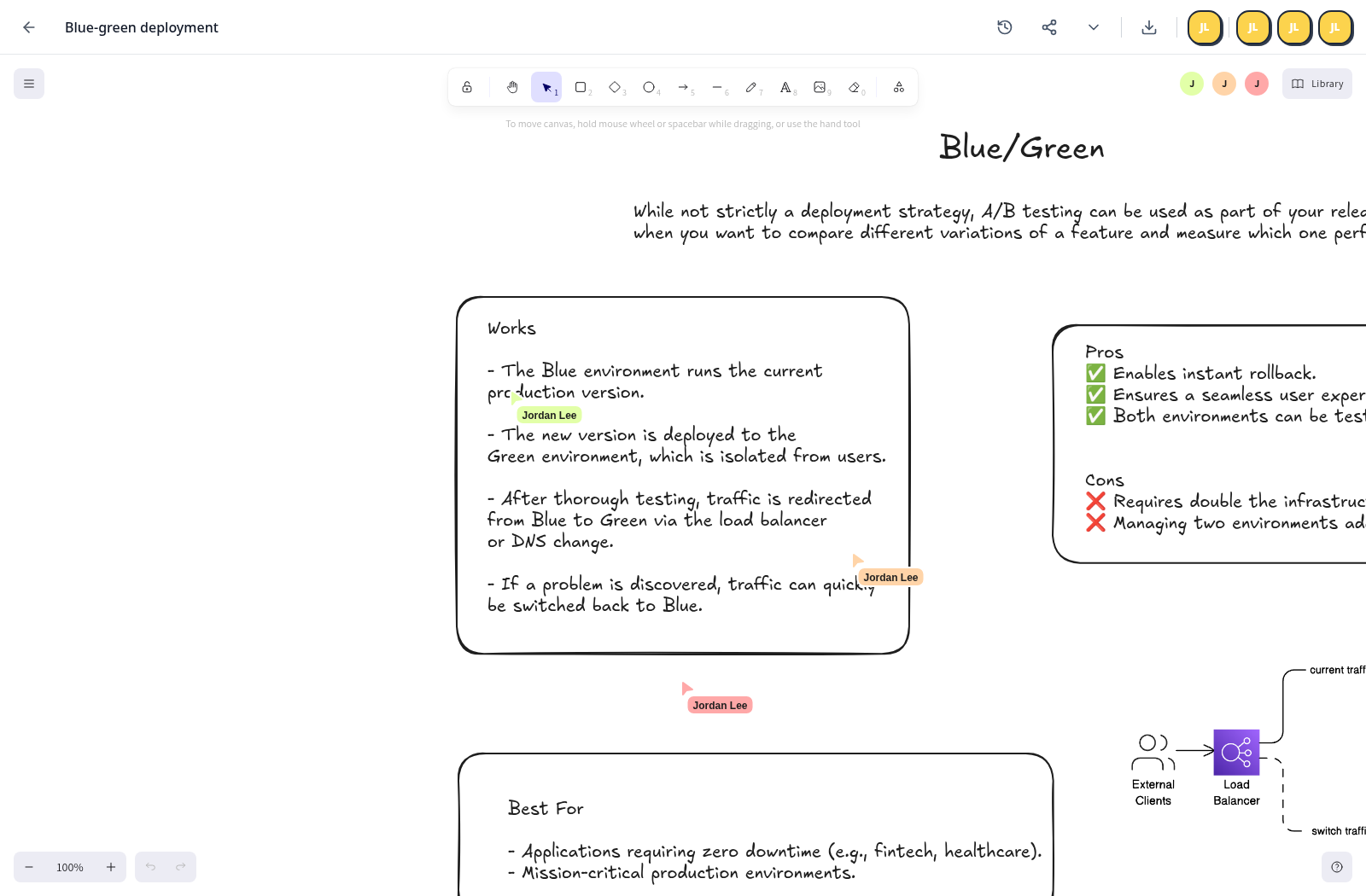
Use the arrows to explore an established example workspace, drawing sharing, and live collaboration.
This populated example shows collections and saved drawings. A new workspace starts empty; add your own drawings and collections.
Securing your instance
Before exposing ExcaliDash beyond a local machine:
- Terminate TLS at a trusted reverse proxy.
- Set stable
JWT_SECRETandCSRF_SECRETvalues. - Keep
TRUST_PROXY=falseunless requests always pass through a trusted proxy. - Persist the database and test a restore procedure.
- Keep frontend and backend image tags aligned.
Next: Configure authentication.