
Quick start
Run ExcaliDash with Docker Compose.
Prerequisites
- Docker Engine or Docker Desktop
- Docker Compose v2
- Port
6767available on the host
Start ExcaliDash
Clone the repository:
bashgit clone https://github.com/ZimengXiong/ExcaliDash.git cd ExcaliDashStart the services:
bashdocker compose -f docker-compose.prod.yml up -dOpen
http://localhost:6767.
Set up your administrator account
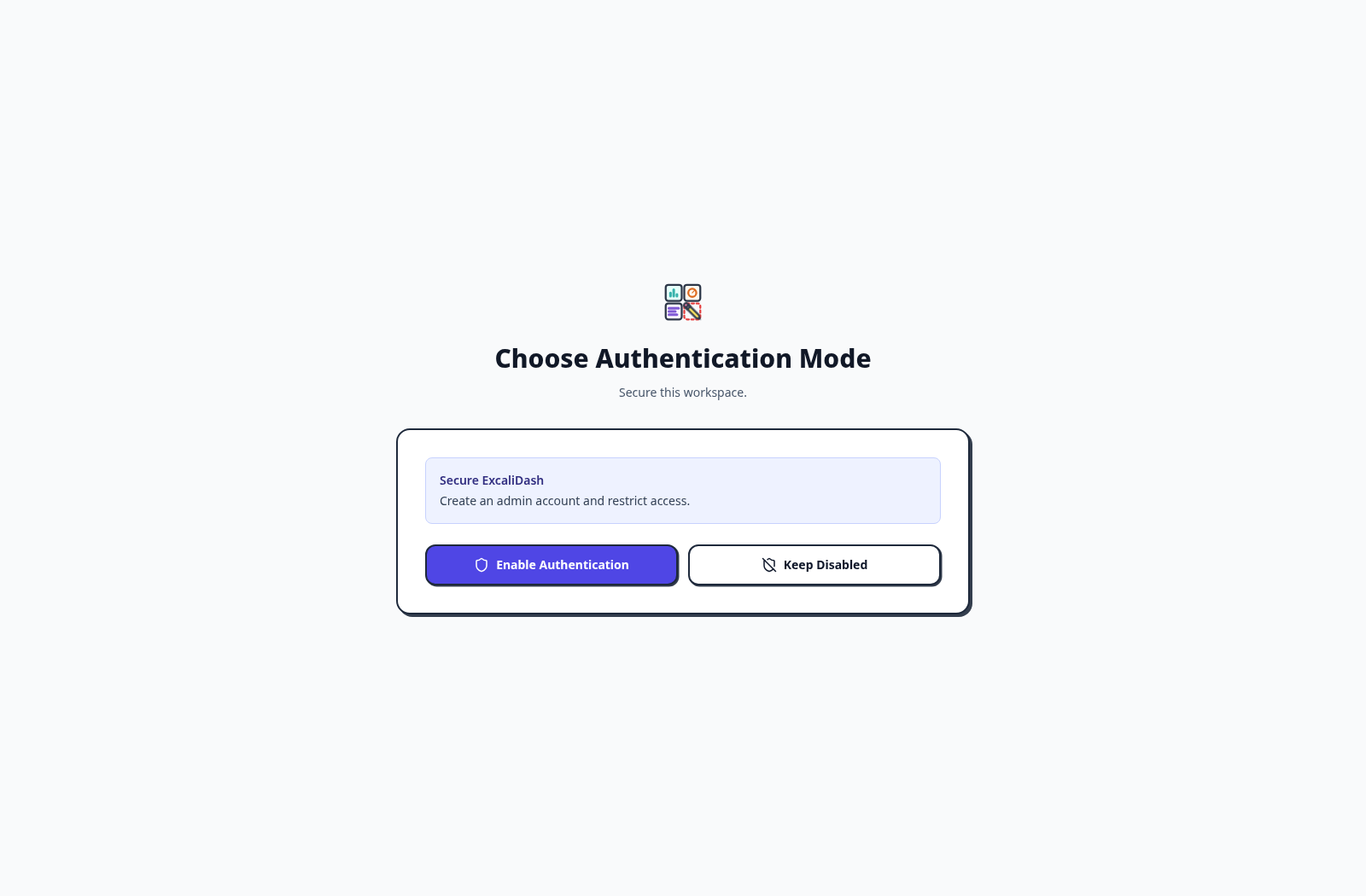
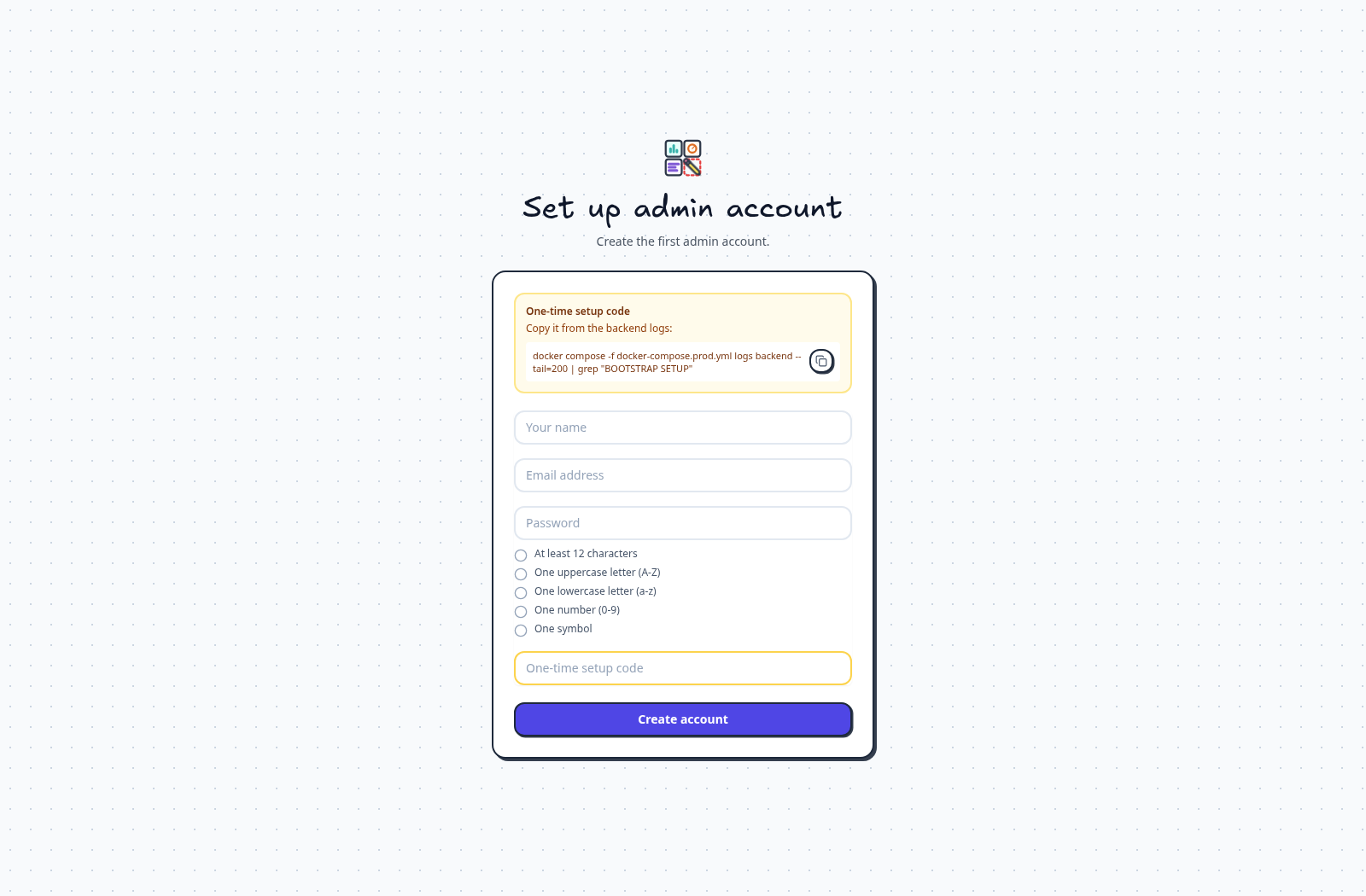
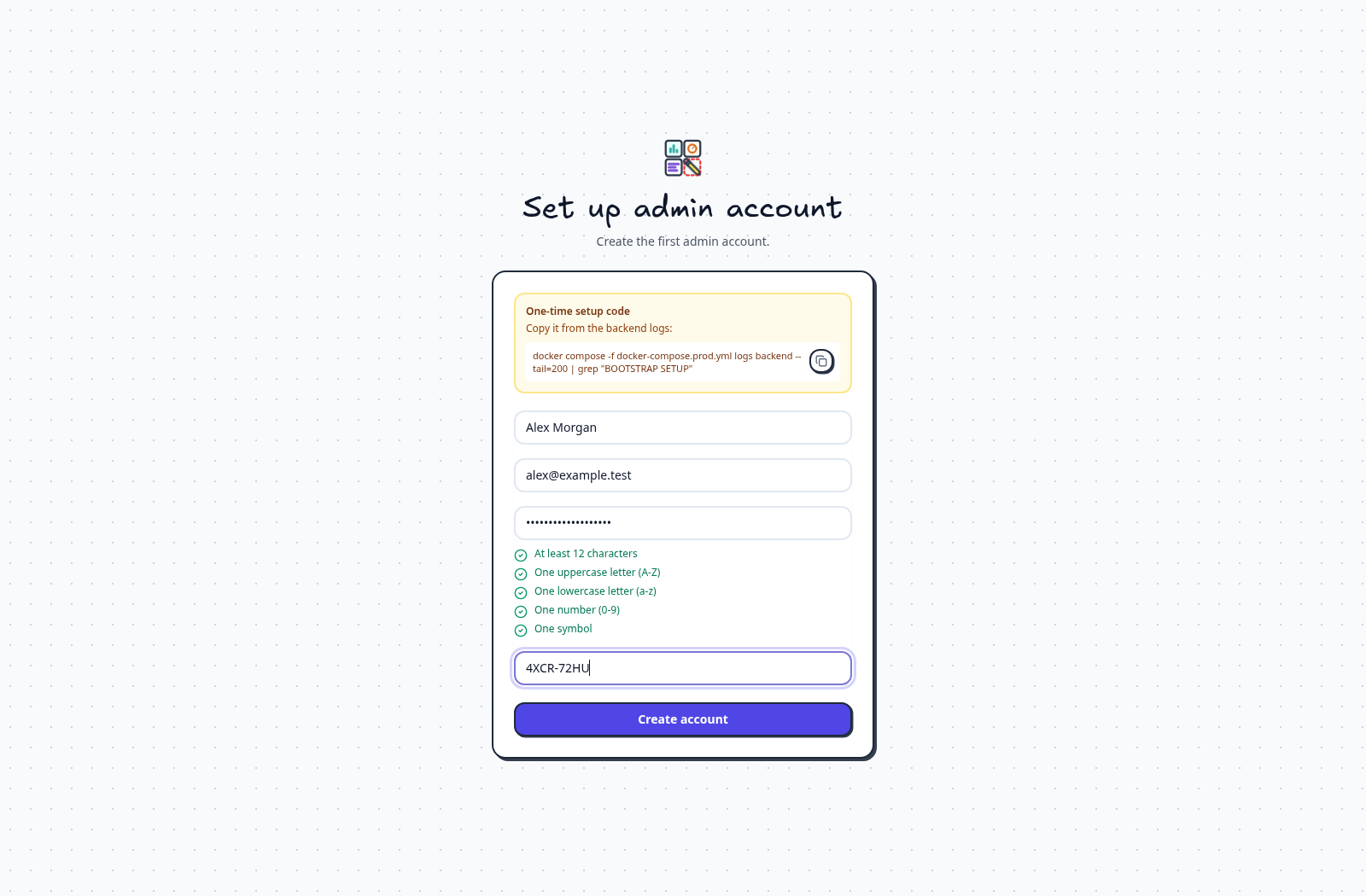
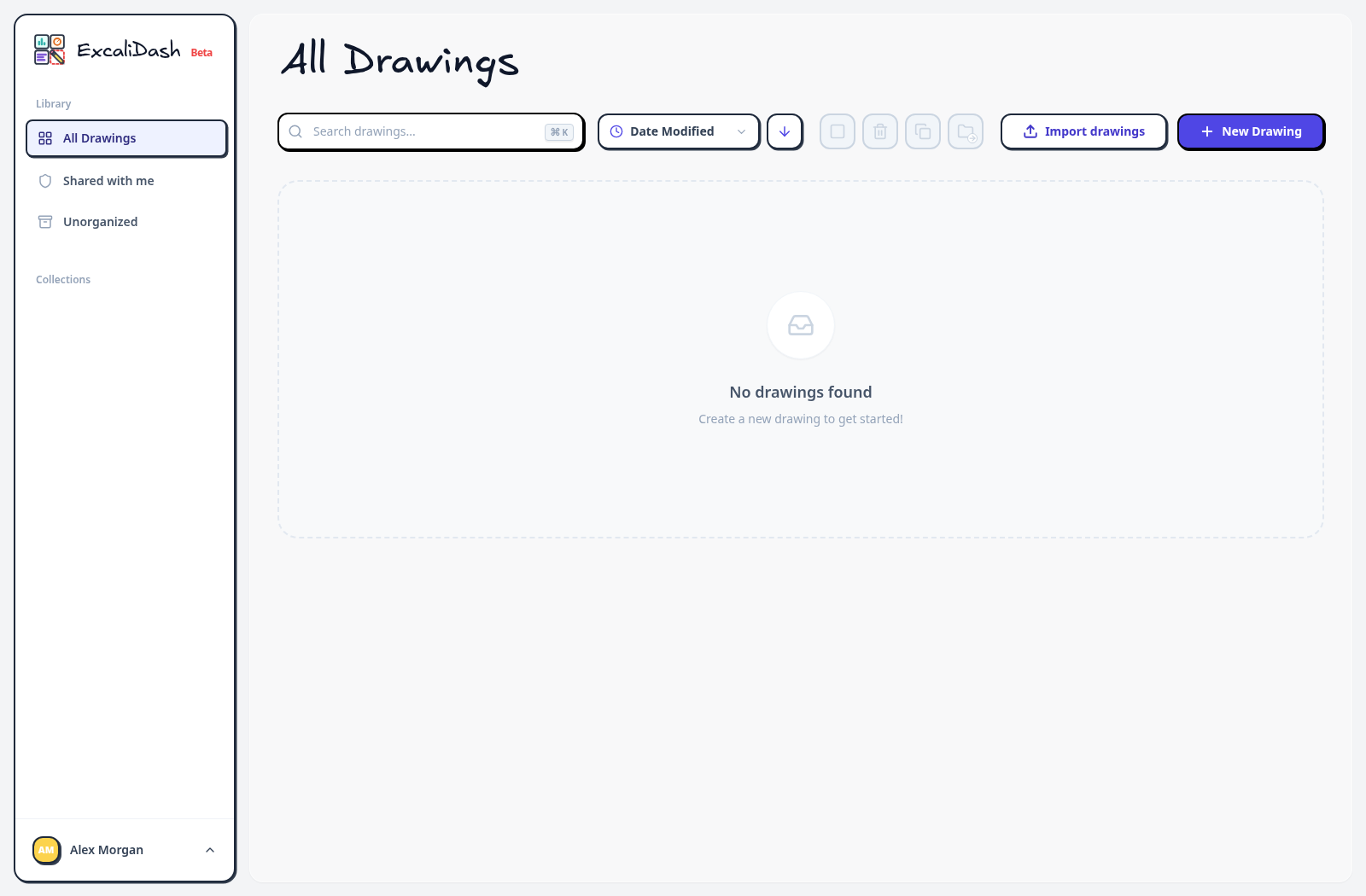
Use the arrows to follow the complete first-run flow, from choosing authentication to opening your first drawing. Each screenshot follows this page's light or dark theme.
Step 1 of 5
Enable authentication
When a fresh instance asks you to choose an authentication mode, select Enable Authentication to secure the workspace.
Check the services
bash
docker compose -f docker-compose.prod.yml ps
docker compose -f docker-compose.prod.yml logs -f
Stop the stack
bash
docker compose -f docker-compose.prod.yml downFor a server deployment, see Deploy with Docker Compose.