Local development
Run the backend and frontend in separate terminals.
Requirements
- Node.js 20.19+ or 22.12+
- npm 10
- Git
Install dependencies
From the repository root:
bash
npm run install:all
npm install
Configure the apps
bash
cp backend/.env.example backend/.env
cp frontend/.env.example frontend/.env
Replace the generated path placeholders in backend/.env:
dotenv
DATABASE_URL=file:./dev.db
BACKUP_DIR=./backups
Start the backend
bash
cd backend
npm run dev
Start the frontend
In another terminal:
bash
cd frontend
npm run dev
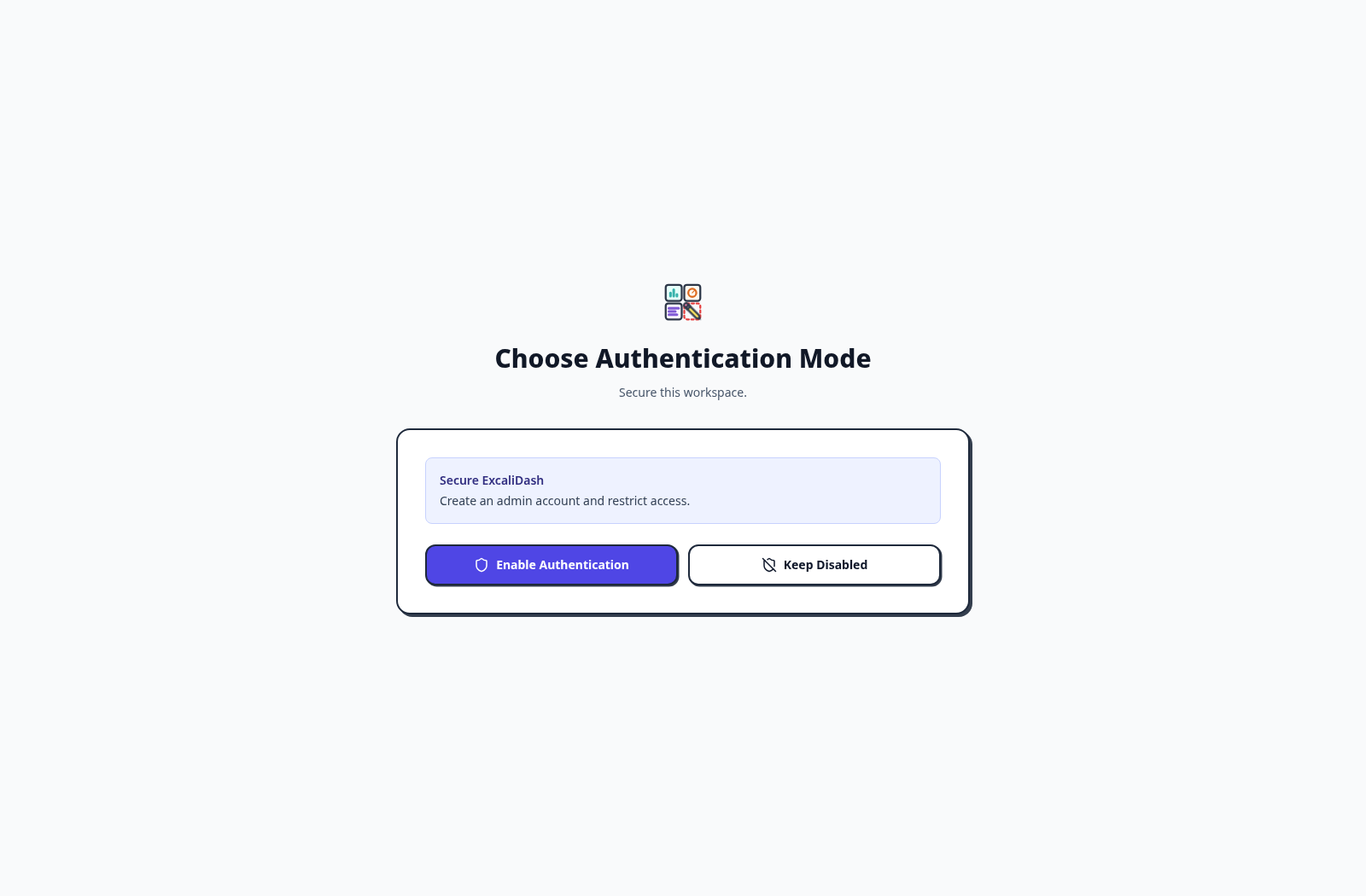
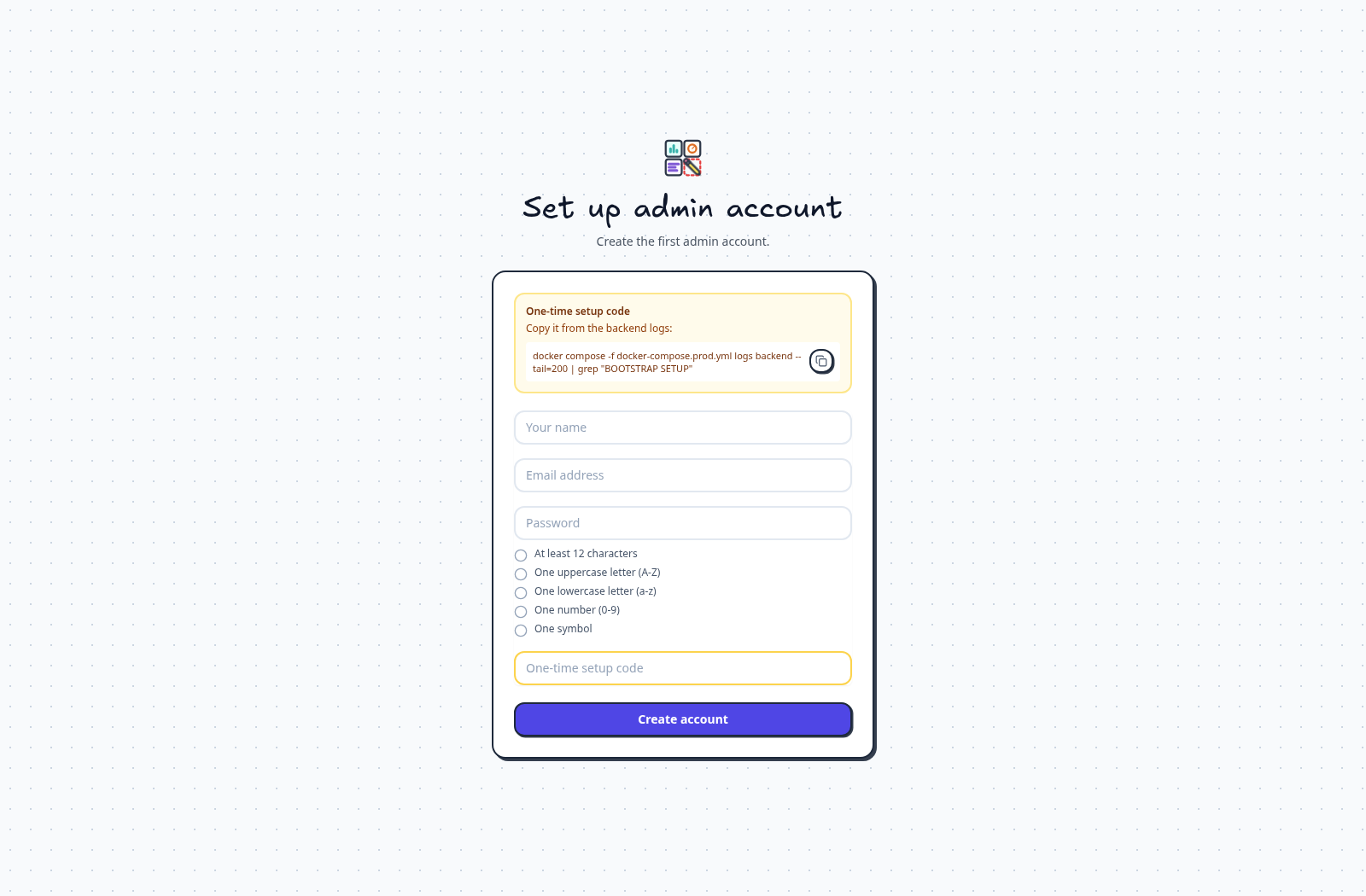
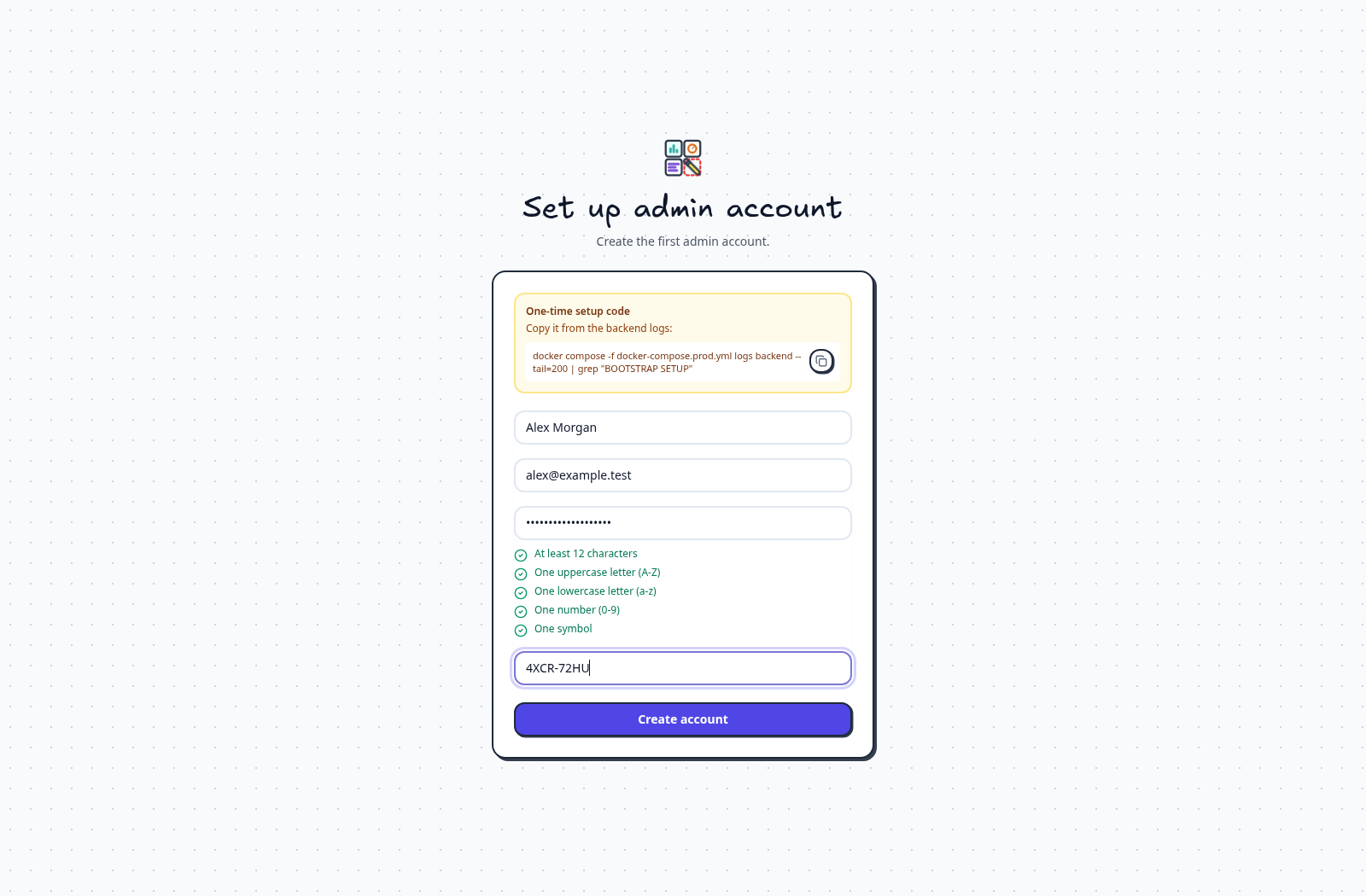
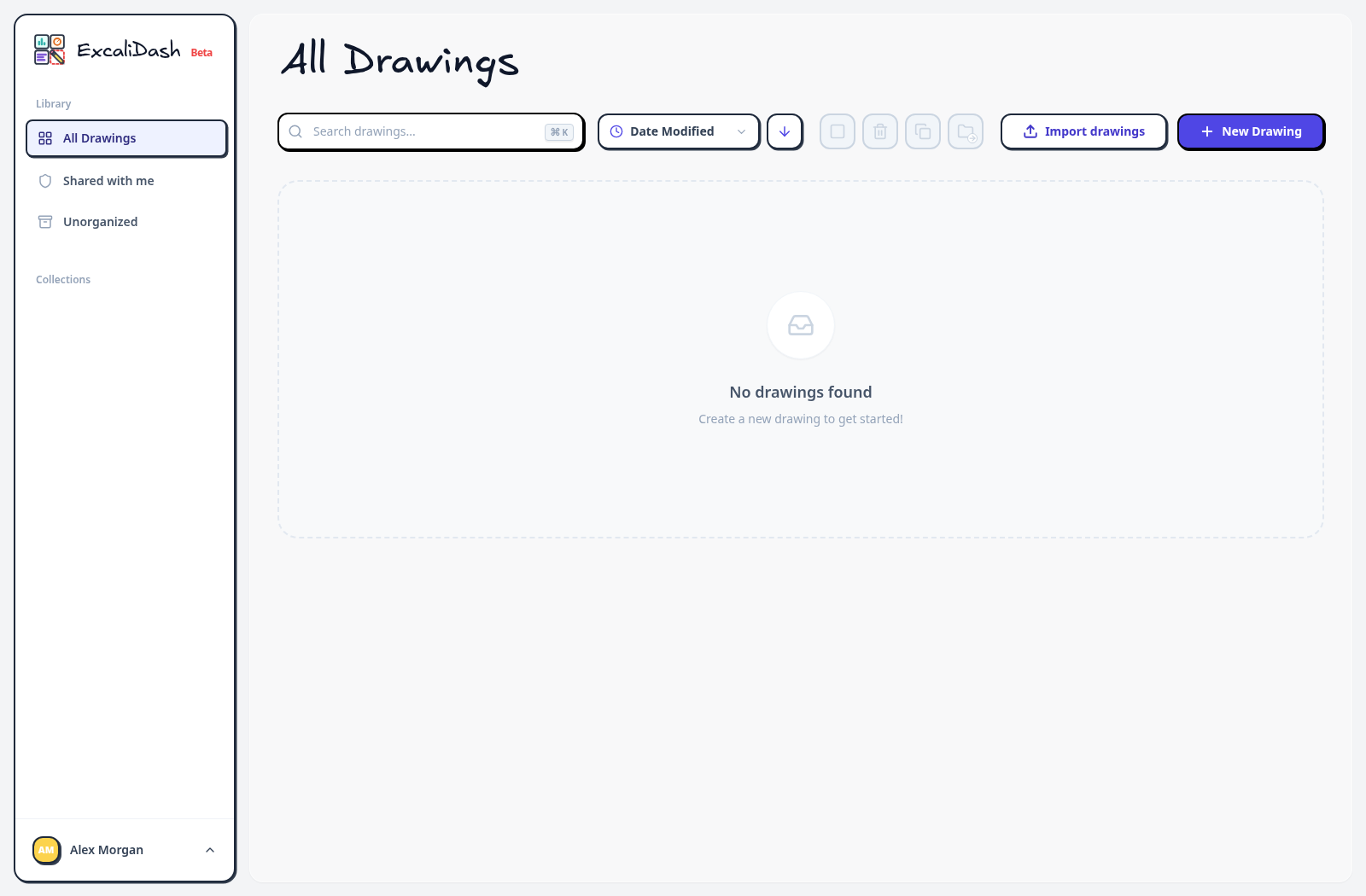
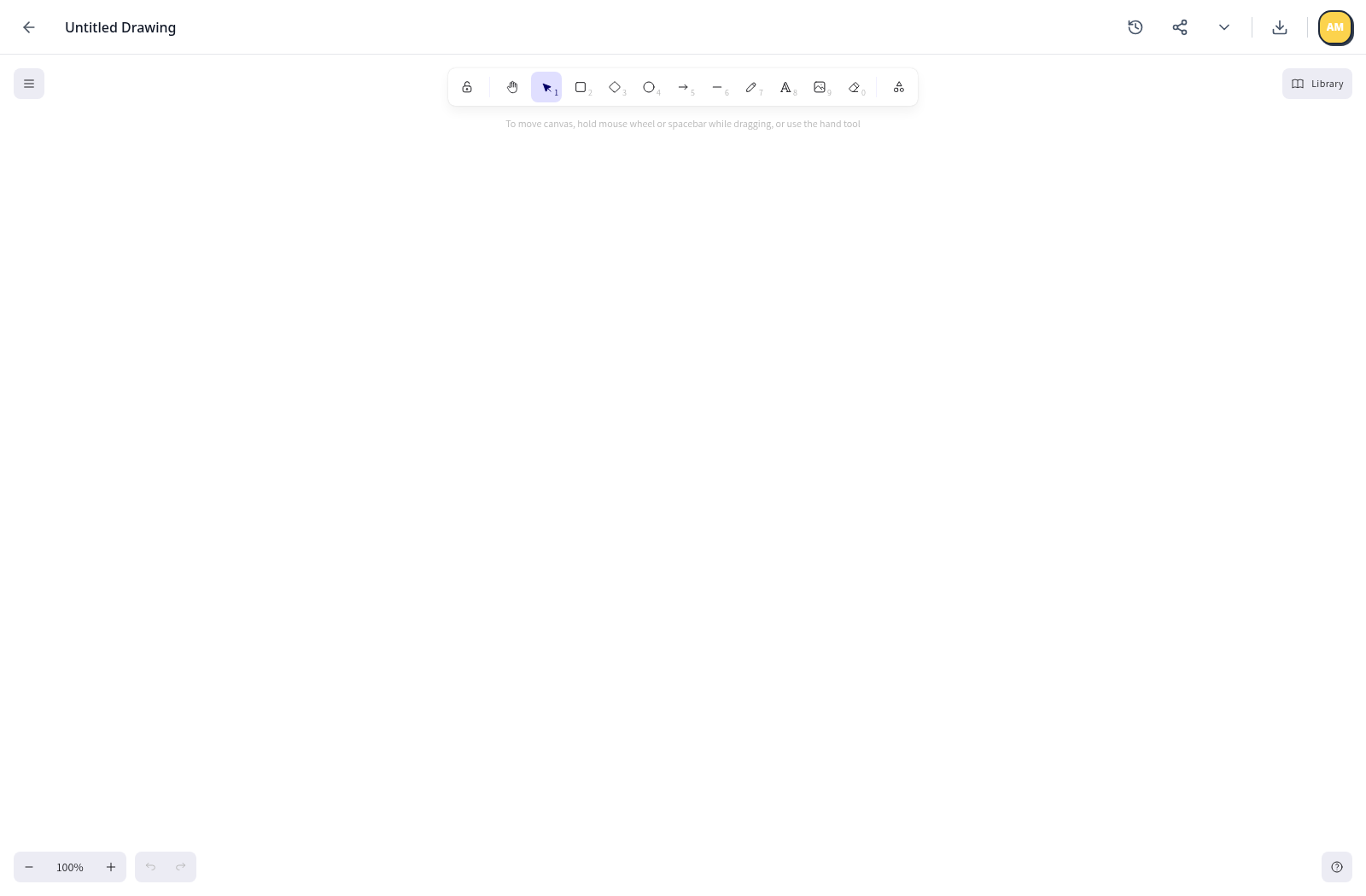
Open http://localhost:6767, then follow the first-run screens below. Select the arrows to move from authentication setup through creating an administrator and opening your first drawing.
Step 1 of 5
Enable authentication
When a fresh instance asks you to choose an authentication mode, select Enable Authentication to secure the workspace.